


This guide explains Stripe for international freelancers and the practical choices that matter before you act. Earning in US dollars as a global creative or technical professional is highly rewarding. However, finding a reliable way to collect those funds can be incredibly challenging. If you are looking for a reliable international payment gateway for freelancers, Stripe often comes up as the gold standard. But if you do not live in the United States, navigating the setup process can feel complicated.
Using Stripe for international freelancers allows you to accept credit card payments, send professional invoices, and handle subscriptions with ease. This guide breaks down exactly how to set up your account, manage foreign currency, reduce conversion fees, and successfully move your hard-earned money to your local bank account.
The Challenge of How to Receive USD Payments Internationally
Many global clients prefer paying in US dollars. For freelancers based outside the United States, learning how to receive USD payments internationally without losing a massive percentage to wire transfer fees is crucial. While traditional bank wires can cost upwards of thirty dollars per transaction, online payment processors streamline the experience.
The primary hurdle is that Stripe is not officially available for local business registration in every country. If you live in a supported country, such as Canada, the United Kingdom, or many European nations, you can open an account immediately using your local business details. If you live in an unsupported region, you have to look at alternative structures to access the platform.
Setting Up Stripe as a Non-US Freelancer
Depending on where you reside, you have two primary pathways to establish your account. Each has its own legal and financial implications.
Direct Account Setup in Supported Countries
If your country is on Stripe’s supported list, the process is straightforward. You will register as an individual or sole proprietor. During setup, you will provide your local tax identification number, home address, and a local bank account. Stripe will automatically convert your USD client payments into your local currency before depositing them.
Stripe Atlas for Freelancers: US Entity Setup
For those living in unsupported countries, Stripe Atlas for freelancers is a highly popular alternative. Stripe Atlas is an official service that helps non-US residents form a US-based Limited Liability Company (LLC) in Delaware.
Through this program, you receive a US Employer Identification Number (EIN), a US business bank account, and a fully functional US Stripe account. While there is an upfront setup fee and ongoing annual state tax responsibilities, this route provides a completely legal way to operate a global freelance business using US financial infrastructure.
Managing Stripe Multi Currency Payouts and Fees
Understanding currency conversion is the key to keeping your business profitable. When you accept USD payments but hold a bank account in euros, British pounds, or Mexican pesos, currency exchange occurs.
Stripe fees for international transfers usually include a standard processing fee per transaction, plus an additional currency conversion charge. This conversion fee typically ranges from 1% to 2% above the mid-market exchange rate. Over time, these small percentages add up to hundreds of dollars in lost revenue.
To optimize this process, you can utilize Stripe multi currency payouts. Instead of letting Stripe convert your USD payments immediately, you can link a virtual USD bank account to your Stripe account. Services like Wise or Payoneer provide virtual US routing and account numbers that Stripe accepts as valid US bank accounts.
| Payout Method | Typical Conversion Fee | Transfer Speed | Best For |
|---|---|---|---|
| Direct Local Bank Deposit | 1% to 2% (Stripe rate) | 2 to 5 business days | Freelancers in supported countries preferring simplicity |
| Virtual USD Account (Wise/Payoneer) | 0.5% to 1% (Provider rate) | 1 to 3 business days | Maximizing exchange rates on USD payouts |
| Stripe Atlas US Bank | Varies by local transfer method | Instant to US bank | Freelancers in unsupported countries with US LLCs |
Handling Cross-Border Invoicing and Stripe Tax Compliance
Operating an international business means staying on top of administrative details. Using Stripe for cross-border invoicing allows you to generate PDF invoices that automatically display the correct currency, tax rates, and payment terms for your client’s specific region.
In practice, Stripe for international freelancers becomes clearer when you compare the options against the goal in front of you. For tax purposes, US clients will often ask you to fill out a W-8BEN form if you are an individual, or a W-8BEN-E form if you operate under an entity. This form certifies that you are a non-US resident and that your income is not subject to standard US tax withholding.
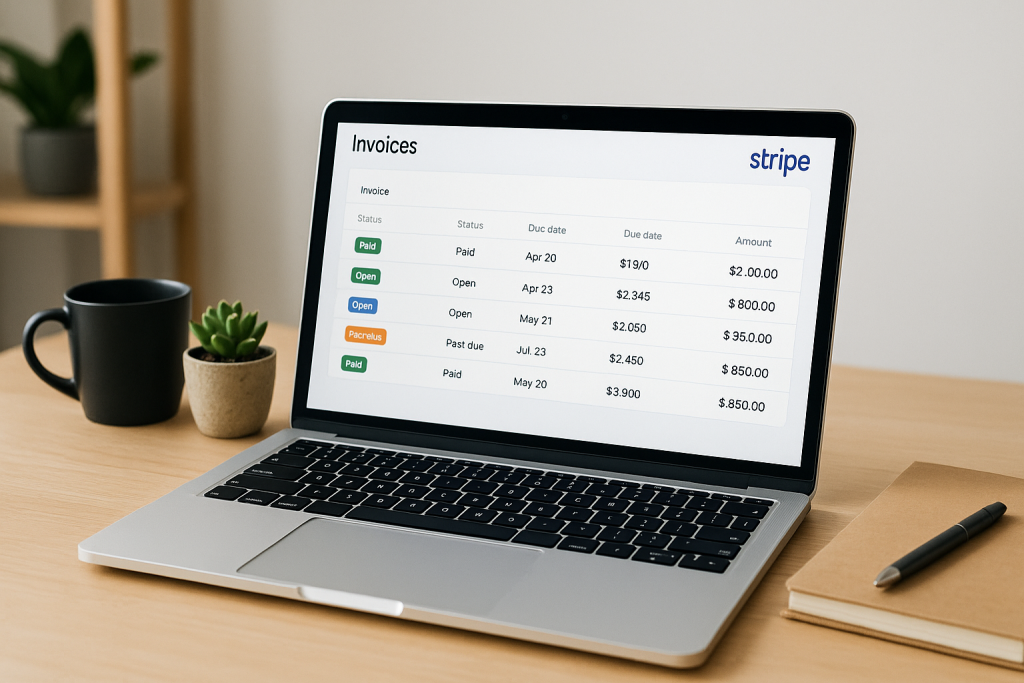
To simplify Stripe tax compliance, you can use Stripe Tax to automatically calculate and collect digital services taxes, such as VAT in Europe or GST in Australia, based on your client’s billing location. This keeps you compliant without requiring you to manually track changing global tax thresholds.
Step-by-Step: Withdrawing Money from Stripe to Your Local Bank
Once your clients start paying your invoices, you need a reliable workflow for withdrawing money from Stripe to local bank accounts. This step-by-step method helps minimize fees:
- Set up your payout bank: Inside your Stripe dashboard, navigate to the Settings menu and select External Bank Accounts.
- Add your virtual USD account: If you use a service like Wise, input the US routing and account numbers provided by your virtual balance. This ensures Stripe sends USD directly without converting it first.
- Schedule your payouts: You can choose daily, weekly, or monthly automatic payouts. Monthly payouts are often best for freelancers who prefer to minimize the number of transfer line items in their accounting software.
- Transfer to your local bank: Once the USD arrives in your virtual bank account, use that provider’s platform to convert the USD and withdraw it to your local physical bank account. This strategy utilizes highly competitive exchange rates that are often far better than standard retail bank rates.
Practical Tip: Never link a local currency bank account to a USD-denominated Stripe payout if you can avoid it. Always look for a virtual bank option that lets you control exactly when and at what rate your currency conversion happens.
A Real-World Example: Moving Creative Funds
Consider the scenario of Elena, a freelance motion designer based in Spain. She regularly bills a retainer client in New York three thousand dollars per month.
Initially, Elena had Stripe deposit her funds directly into her Spanish Euro account. Stripe charged her a transaction fee, plus a 1.5% currency conversion fee on the remainder. By opening a free virtual USD account through a digital banking service and linking those US routing details to Stripe, Elena managed to receive the full USD amount into her virtual balance. She then converted the funds to Euros during a favorable market dip, saving over forty dollars on that single transaction.
Best Practices for International Freelancers Using Stripe
To keep your account active and in good standing, implement these daily habits:
- Keep clear proof of work: Stripe occasionally requests verification of your business. Keep copies of your signed freelance contracts, design assets, or code repositories readily accessible.
- Set up clear billing descriptors: Make sure the name your clients see on their bank statements matches your website or freelance business name. This simple step drastically reduces accidental chargebacks.
- Maintain a rolling reserve: Always leave a small cash cushion inside your Stripe account to handle unexpected refunds or disputes without dipping your connected bank account into the negative.
Choosing Your Best Stripe Payout Path
Stripe is a powerful tool that makes your freelance business look professional to global clients. If you live in a supported country, linking a virtual USD account is the smartest way to bypass heavy conversion fees. If you live in an unsupported country, exploring options like Stripe Atlas can give you the legal framework needed to operate globally.
Start by setting up your billing preferences, choosing your payout routing method, and sending your first test invoice. Taking control of your payment infrastructure today ensures you keep more of your hard-earned money tomorrow.
Common Questions About How to Use Stripe for International Freelancers to Get Paid
Can I use Stripe if my country is not officially supported?
Yes, you can use Stripe Atlas to legally form a US LLC from abroad. This provides you with a US EIN and business bank account, allowing you to open and operate a US-based Stripe account.
How do I avoid double currency conversion fees on Stripe?
To avoid double conversion, link a USD-denominated virtual bank account (such as Wise or Payoneer) to your Stripe account. Stripe will payout USD directly, allowing you to convert the funds to your local currency at a better rate later.
What tax forms do I need to provide to US clients?
As a non-US freelancer, you will typically need to fill out a W-8BEN form (for individuals) or a W-8BEN-E form (for entities). This certifies your foreign status and exempts your earnings from US tax withholding.
How long does it take to withdraw money from Stripe to a local bank?
Standard payouts to a US virtual bank account usually take 1 to 3 business days. Once in your virtual account, transferring the funds to your local physical bank typically takes an additional 1 to 2 business days depending on your local banking system.
Before making a decision about Stripe for international freelancers, use these points to weigh the trade-offs in your own situation. Ready to streamline your client billing? Set up your Stripe payout routing today to maximize your freelance earnings.








Discussion