

Trading hours for dollars or relying on unpredictable ad networks eventually leaves every digital creator exhausted. If you want to build a predictable revenue stream, launching a WordPress membership site is one of the most practical paths forward. Instead of constantly chasing the next one-off client project, a subscription model shifts your focus to serving a dedicated group of members who pay you consistently each month.
Many creators assume that setting up this kind of platform requires advanced coding skills or a massive development budget. In reality, the WordPress ecosystem has evolved to a point where anyone with basic technical confidence can configure, launch, and manage a professional membership space. To succeed, you simply need to choose the right tools, protect your valuable assets, and establish a reliable payment workflow.
Selecting the Right Foundation for Your WordPress Membership Site
Before installing any software, you must define what your platform will actually deliver. A membership site is not a static blog; it functions as a dynamic web application. Every time a user logs in, accesses premium materials, or updates their profile, your database processes custom queries.
Because of this constant database activity, cheap, entry-level shared hosting will quickly fail. When your site slows down, members get frustrated and cancel their subscriptions. A successful launch starts with managed WordPress hosting that offers optimized databases, server-level caching that respects user login states, and a staging environment where you can safely test updates before they go live.
Evaluating the Best WordPress Membership Plugins
Your membership plugin is the engine of your business. It handles user registrations, controls content visibility, and connects directly to your payment processor. Because migrating your user database to a new plugin down the road is technically challenging and risks disrupting billing cycles, choosing the right tool at the beginning is critical.
The following table outlines the capabilities of the best WordPress membership plugins to help you make an informed decision:
| Plugin | Best Suited For | Supported Gateways | Content Protection Focus |
|---|---|---|---|
| MemberPress | All-in-one ease of use and course creation | Stripe, PayPal, Authorize.net | Pages, posts, files, categories, and courses |
| Paid Memberships Pro | Developer customization and flexible tier structures | Stripe, PayPal, Braintree, PayFast | Highly customizable access levels and member roles |
| Restrict Content Pro | Lightweight setup and clean codebase | Stripe, PayPal, 2Checkout | Simple post-by-post and page-level restrictions |
Managing Your WordPress User Registration Setup
Once you have installed your membership plugin, you need to configure how users join your platform. By default, core WordPress settings disable open registrations to prevent spam.
To change this, navigate to your dashboard, select Settings, and click General. Locate the “Membership” field and check the box for “Anyone can register.” Ensure the “New User Default Role” remains set to “Subscriber” to prevent unauthorized administrative access to your backend files.
Optimizing the Member Portal Design
First impressions matter, especially when someone has just paid for access. A confusing interface is the quickest way to trigger refund requests. A clean, intuitive member portal design should prioritize immediate utility.
When a subscriber logs in, their dashboard should clearly display links to the latest content, active subscription status, and a straightforward way to update payment details. Keep your member portal clean by hiding generic WordPress sidebars, technical meta-widgets, and distracting external advertisements.
How to Restrict Content in WordPress Safely
The core value of your business relies on your ability to reliably restrict content in WordPress so that non-paying visitors see only what you want them to see. Modern membership plugins make this manageable by adding an access-control box directly below the standard WordPress page and post editor.
You can establish global access rules rather than locking down pages manually. For example, you can create a rule stating that any post categorized as “Premium Guides” is locked to members on your “Pro” subscription tier. Visitors without an active membership who stumble upon these pages will automatically see a customized teaser message or be redirected to a sales landing page.
Proven Ways to Protect Premium Digital Content
In practice, WordPress membership site becomes clearer when you compare the options against the goal in front of you. Securing standard text is simple, but protecting downloadable resources, PDF guides, and video files requires extra care. If you upload video files directly to your media library, users can easily copy the file URL and share it publicly.
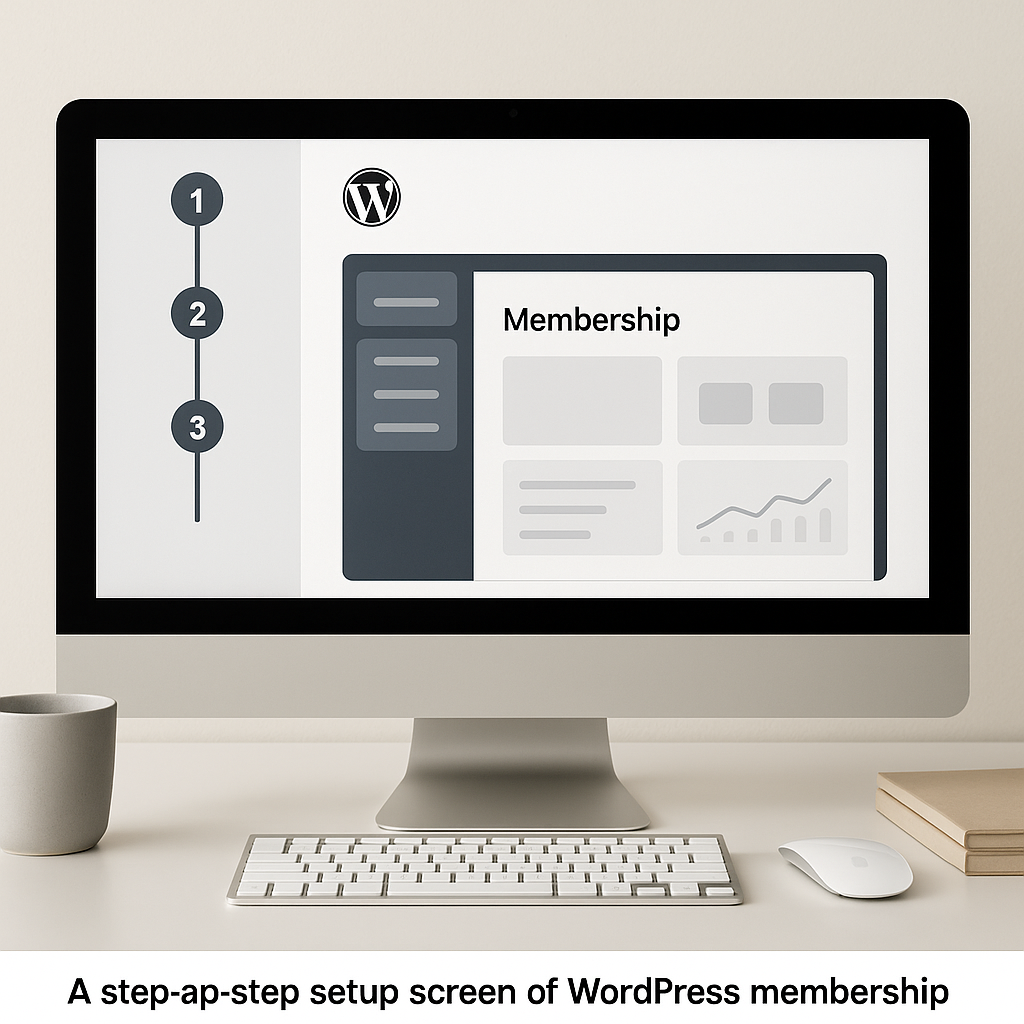
To protect premium digital content effectively, host your videos on secure, professional platforms like Vimeo PRO or Wistia. Configure these platforms to allow video playback only when embedded on your specific domain name. For digital downloads like templates or resource sheets, utilize your membership plugin’s direct file-protection tools to block hotlinking and prevent non-members from accessing download paths.
How to Set Up Recurring Subscription Billing
Automating your revenue collection removes the friction of manual monthly invoicing. To set up recurring subscription billing, you must link your site to a secure payment gateway.
Stripe and PayPal are the global industry standards. Stripe is particularly popular because it allows users to complete their purchases without leaving your site, which helps maximize conversion rates. Depending on your geographical location, you can also integrate regional payment gateways like Paystack or Flutterwave to cater to local currencies and billing preferences.
Your membership plugin will guide you through connecting these services using API keys. Always run multiple end-to-end test transactions using your gateway’s “Sandbox” or “Test” mode to ensure payment confirmations trigger correct user activation before you open your doors to the public.
How to Monetize a Blog with Memberships
If you already run a successful blog with steady traffic, you do not need to create an entirely new site. You can monetize a blog with memberships by transitioning to a freemium content model.
Keep your highly searchable, introductory articles open to the public to maintain your organic search rankings. Inside those articles, offer advanced add-ons, such as downloadable worksheets, video walkthroughs, or detailed case studies, exclusively to paying subscribers. This structure lets your free content act as a natural marketing funnel for your premium tier.
Transitioning into Building an Online Community Website
While premium resources initially attract subscribers, social connection is what keeps them paying over time. You can increase member retention by building an online community website where members can interact with you and each other. Integrating tools like BuddyBoss, bbPress, or establishing private channels on platforms like Discord transforms your offering from a simple content repository into an interactive professional network.
Refining Your Launch Strategy
Before launching your platform, run a rigorous quality-assurance test. Open a private browsing window and register as a new member on each tier. Experience the signup process, payment confirmation, and automated welcome emails exactly as a paying customer would.
Avoid overwhelming early subscribers with too much material on day one. Instead, focus on a clear onboarding pathway. Design your member homepage to guide users toward a quick initial success, such as a brief introductory video or an actionable template, so they immediately feel the value of their subscription fee.
Common Questions About How to Build a WordPress Membership Site for Recurring Income
Can I use any WordPress theme for a membership site?
Yes, most standard WordPress themes work with membership plugins. However, choosing a lightweight, fast-loading theme designed for page builders or e-commerce will make it much easier to design a clean, responsive member portal.
How do I prevent members from sharing their login credentials?
Most premium WordPress membership plugins have built-in security features that limit concurrent logins. You can set the system to automatically log out a user or temporarily lock an account if it detects logins from multiple IP addresses or locations within a short timeframe.
Is Stripe or PayPal better for a membership website?
Stripe is generally preferred for membership platforms because it keeps the user on your site during the payment process, leading to higher conversion rates. PayPal is excellent as a secondary option, as many customers appreciate the convenience and security of paying with their existing PayPal account balances.
Before making a decision about WordPress membership site, use these points to weigh the trade-offs in your own situation. Select your membership plugin, configure your billing integration, and start transforming your valuable knowledge into a sustainable, recurring online business today.










Discussion