

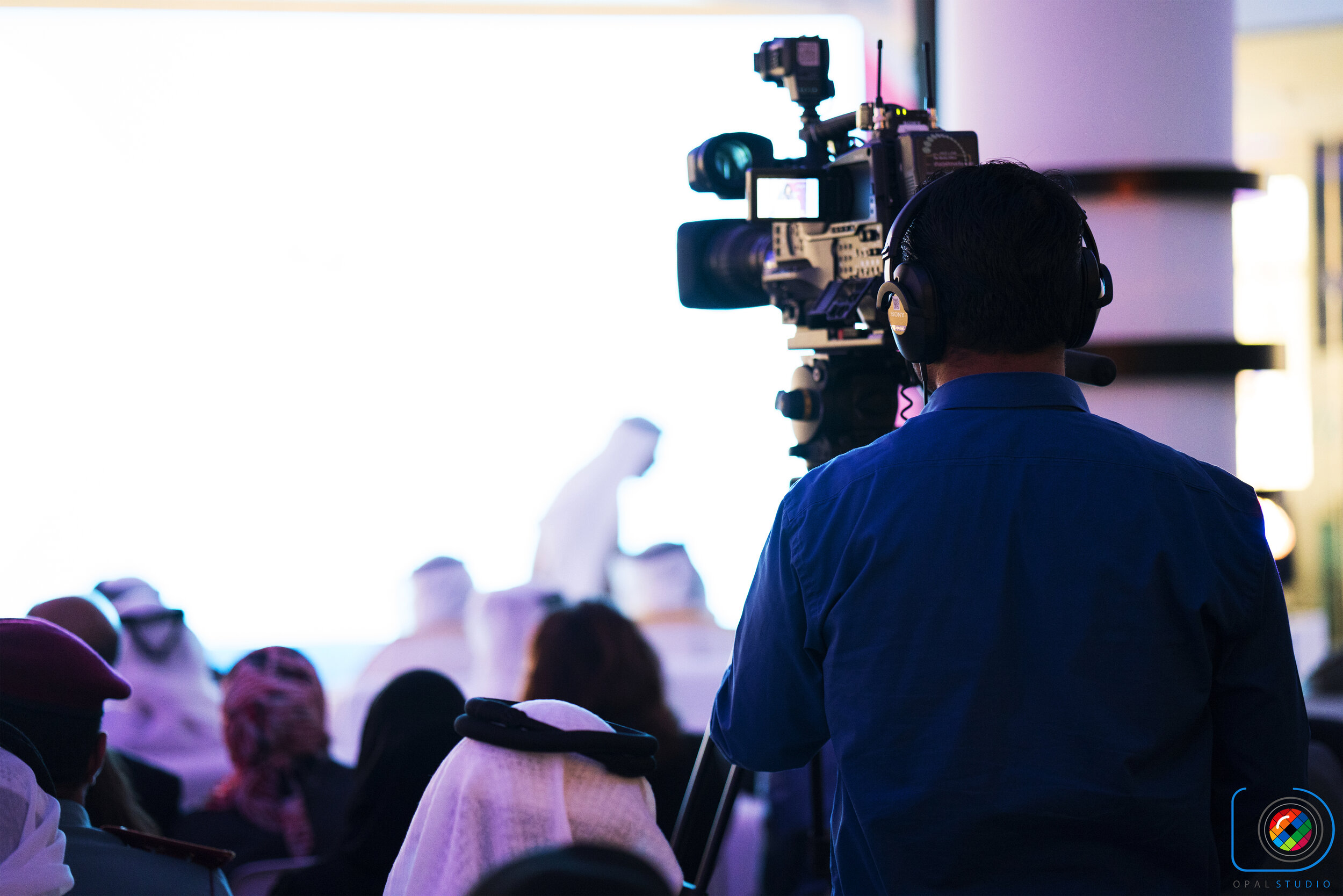
Walking into a bustling venue with a single camera bag can feel intimidating. When the lights go down and the keynote speaker takes the stage, there are no retakes. However, mastering single camera event videography is not about wishing for a five-person crew; it is about working smarter with the gear right in front of you. With a sharp strategy, you can easily capture professional, high-end footage that feels dynamic, polished, and expensive.
Designing a Live Event Coverage Workflow That Works
Before the first guest even arrives, the success of your project is already being decided. A seamless live event coverage workflow hinges entirely on anticipation. If you are reacting to moments as they happen, you are already too late.
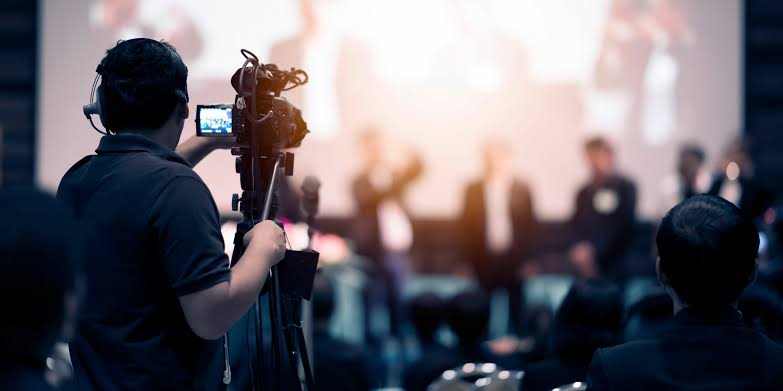
To get ahead of the chaos, map the room before the schedule begins. Identify where the main presenters will stand and where the audience will sit. Walking the floor early helps you locate primary shooting positions where you can maintain clean, unobstructed sightlines to the stage without blocking the guests.
This preparation pays off when executing a targeted b-roll strategy for events. Think of B-roll as your ultimate safety net. You want wide establishing shots of the venue, medium shots of engaged audience members, and tight close-ups of hands writing notes, laughing faces, or event branding. During post-production, these quick cutaways will save you when you need to edit out a camera stumble or cover up a jump cut.
Crucial Production Tactics on Location
While visuals matter, poor audio will instantly ruin beautiful footage. Delivering a professional one camera event production requires a rock-solid, redundant event audio recording setup. Never rely solely on a shotgun microphone mounted on your camera hot shoe because it is simply too far from the presenter to capture clean sound.
To bypass this issue, capture audio from multiple sources simultaneously. Run a wireless lavalier microphone or a clip-on transmitter on the main presenter. At the same time, place a dedicated portable audio recorder right next to the house PA speaker, or tap directly into the soundboard using an XLR cable. If one feed clips or fails, you have a clean backup waiting in your timeline.
Lighting presents another operational hurdle in a crowded room. Heavy stands are a massive trip hazard, so focus instead on agile, run and gun lighting techniques. Look for natural ambient light or the venue’s existing house lights. If you must add light, mount a small, highly diffused LED panel on your camera rig to gently fill in shadows on faces during quick, on-the-go interviews in darker corners.
Simulating Multi-Camera Angles with a Single Lens
Creating the illusion of multiple vantage points relies on a clever shooting technique: shoot your primary footage in 4K, even if your final video will be delivered in 1080p.
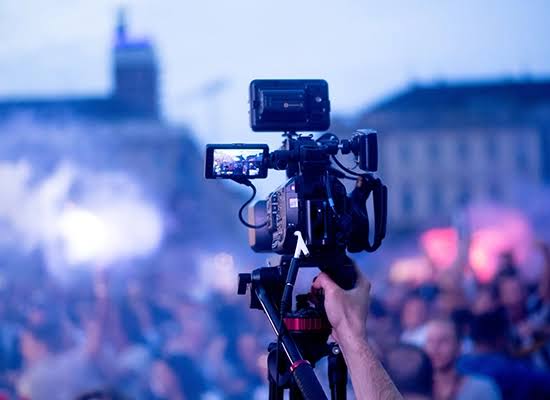
This resolution difference gives you the freedom of simulating multi camera angles in post-production. During a long speech, you can crop in by up to 200% in your editing timeline to create a tight, intimate close-up from your original wide shot. To the viewer, it looks like you switched to a second camera.
Comparing Solo vs. Multi-Camera Workflows
| Production Element | Solo Camera Operator (Simulated) | Traditional Multi-Camera Crew |
|---|---|---|
| Setup Time | Minimal; fast deployment and small gear footprint. | Extensive; requires synchronization and crew coordination. |
| Audio Capture | Rely on on-person lavaliers and ambient backups. | Dedicated sound mixer with multi-channel inputs. |
| Editing Complexity | Moderate; requires crop-zooming and creative B-roll placement. | High; multi-cam clip syncing and color-matching across sensors. |
Here are a few quick event video editing tips to make the illusion seamless:
- Cut on action: Switch your cropped close-ups right when the speaker makes a hand gesture or turns their head.
- Use your safety net: Drop in your B-roll over raw audio transitions to hide edits when you need to shorten a long-winded speech.
- Keep movement purposeful: If you are panning or zooming, do it cleanly. Avoid using shaky, half-hearted movements that look accidental.
By implementing these practical solo videographer event tips, you can turn a straightforward, single-camera recording into an engaging, multi-perspective story.
Putting It All Together: A Streamlined Solo Workflow
Professional single camera event videography isn’t just about capturing footage; it’s about delivering a cohesive narrative. Start by reviewing your venue map and shot list before the event begins. This helps you identify key moments to prioritize, such as the opening remarks, audience reactions, or the closing ceremony.
During the event, move strategically between wide, medium, and tight shots. Capture reaction shots of the audience, close-ups of details like event programs or branded signage, and wide shots that establish the venue’s atmosphere. This variety ensures you have enough material to work with in post-production.
After the event, organize your footage by scene and type. Label your clips clearly, separating primary footage from B-roll and audio tracks. This organization saves time during editing and helps you maintain a clear vision for your final cut.
Finally, focus on pacing. Use your B-roll and simulated multi-camera angles to create a dynamic rhythm. Cut on action, match the energy of the event, and keep the viewer engaged. With this approach, even a solo operator can deliver a polished, professional event video that feels like it was shot with a full crew.
Frequently Asked Questions
Can I shoot a professional event video with only one camera?
Yes. By shooting in a high resolution like 4K to allow for cropping, capturing diverse B-roll, and securing clear, redundant audio, a single operator can simulate a multi-camera production in post-production.
What is the best way to handle audio as a solo videographer?
Use a multi-layered approach: record ambient sound on-camera, use a wireless microphone on the main speaker, and place a portable audio recorder near the soundboard or main speaker system as a backup.
How do I make my single-camera footage look dynamic?
Constantly vary your framing when the action pauses. Capture wide establishing shots, medium reaction shots, and tight close-ups, and crop in during editing to create the illusion of multiple camera angles.
Ready to upgrade your solo video game? Explore our deep-dive guides for more practical filmmaking workflows, gear recommendations, and editing tips designed for modern creators.


Discussion