

Why Turn Your Podcast into a Video Series?
If you already host a podcast, you have valuable content that people listen to weekly. Turning those episodes into videos gives them a second life on YouTube, where the audience is massive and the monetization options are broader. A podcast video series isn’t just a recording of someone talking; it’s a visual experience that can attract new listeners, satisfy existing ones, and open up ad revenue, sponsorships, and memberships. The key is to treat the video version as a distinct product, not an afterthought.
Essential Equipment for Video Podcast Production
Camera and Lighting Basics
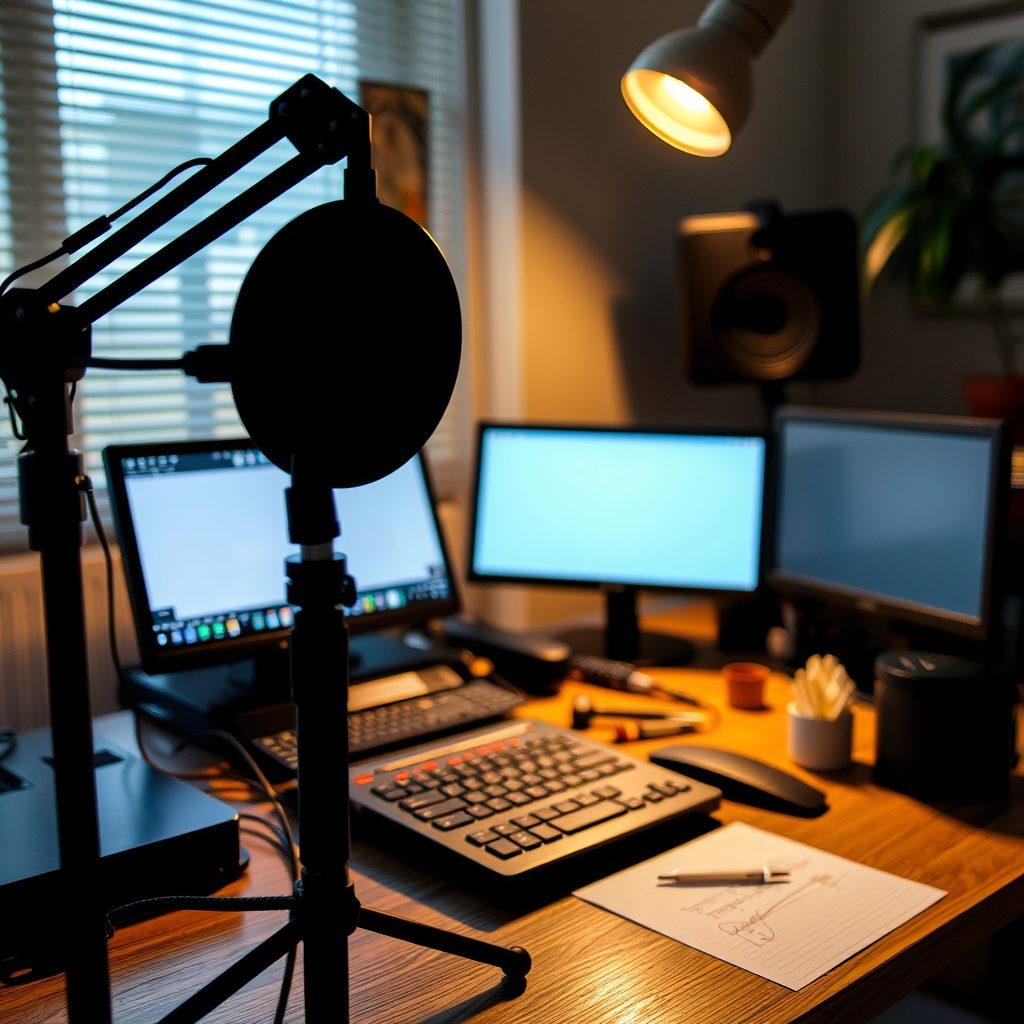
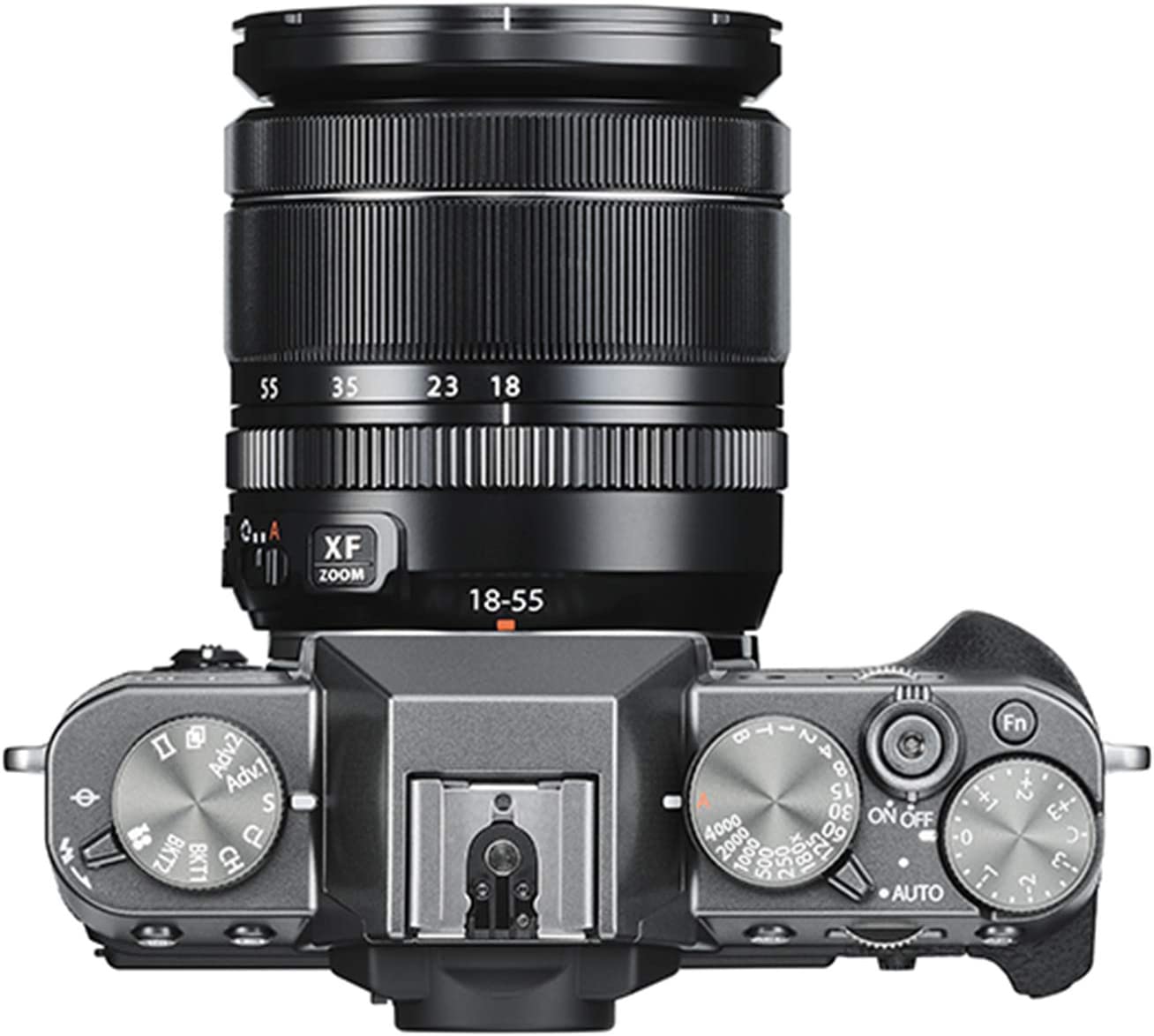
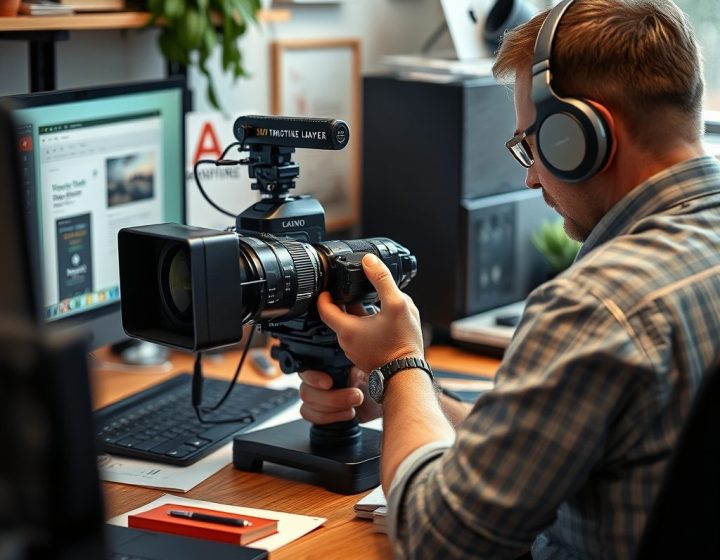
You don’t need a Hollywood budget to start. A modern smartphone with a decent camera can work for your first few episodes. If you want to level up, a budget DSLR or mirrorless camera, like a Canon M50 or Sony ZV-E10, gives you more control over depth of field. For lighting, a simple three-point setup with softboxes or ring lights placed around your desk will eliminate shadows and make you look professional. Position your key light slightly in front of you at a 45-degree angle.
Audio Gear for Video Podcasts
Audio is more important than video because people will forgive a mediocre picture but not bad sound. A USB condenser microphone like the Audio-Technica AT2020 or a dynamic mic like the Shure SM7B (which needs a bit more gain) are popular choices. Pair it with a pop filter and a boom arm, and you’ll get clean, consistent audio. If you’re recording remote guests, use a platform that records locally to avoid internet dropouts.
From Audio to Video: The Conversion Workflow
Editing Software and Techniques
Once you have your raw footage and audio, you need to bring them together. Free options like DaVinci Resolve or HitFilm Express offer powerful editing capabilities. Import your audio track, sync it with the video, and trim the beginning and end. Add a simple title card with your podcast name and episode number. Don’t try to do too much in the first few episodes; focus on clear audio and a stable shot.
Adding Visuals and B-Roll
A talking-head video can get boring after ten minutes. Insert B-roll,supplementary footage that illustrates what you’re discussing. If you’re talking about travel, cut to a clip of the destination. If it’s a tech review, show the product in use. You can film this yourself or use royalty-free stock footage from sites like Pexels or Pixabay. Another trick is to display a static image or a waveform that moves with the audio, which keeps eyes on the screen even when the camera is off.
Choosing the Right Platform for Your Video Podcast
YouTube vs. Other Platforms
YouTube is the obvious choice for monetization because of its massive user base and built-in ad system. However, platforms like Spotify and Apple Podcasts now support video podcasts, and dedicated hosting services like Libsyn or Anchor can distribute your video to multiple directories. Start with YouTube because it gives you the most control and the clearest path to monetization. You can always repurpose the content later.
Optimizing Your YouTube Channel for Monetization
To qualify for the YouTube Partner Program, you need 1,000 subscribers and 4,000 watch hours in a year. That’s a realistic goal if you post consistently. Once you’re in, you can enable ads, but that’s just the beginning. Set up channel memberships, Super Chat during live streams, and the YouTube Shopping feature if you sell merch. The real money often comes from sponsorships that you land once you have a dedicated audience.
Monetization Strategies for Your Podcast Video Series
Ads, Sponsorships, and Memberships
Ad revenue is the most passive form of income, but it’s also the lowest per thousand views. Sponsorships, where a brand pays you to mention their product, can pay hundreds or thousands per episode. Memberships through YouTube or Patreon give your biggest fans access to bonus content, early episodes, or a private community. The trick is to offer different tiers so casual viewers and superfunds both find something they want.
Diversifying Revenue Streams
Don’t put all your eggs in one basket. Combine ad revenue with affiliate links in your description, sell your own courses or digital products, and use platforms like Ko-fi or Buy Me a Coffee for one-off tips. A podcast video series gives you multiple assets: the video itself, the audio file, the transcript, and the visual clips. Each one can be packaged into a different product or service.
SEO Tips to Grow Your Video Podcast Audience
Keyword Research and Titles
Your title is the first thing people see. Use tools like TubeBuddy, VidIQ, or even Google Trends to find what your ideal viewer is searching for. Include your primary keyword “podcast video series” naturally in the title and description. Write a detailed description with timestamps so viewers can jump to specific topics. This also helps YouTube understand your content.
Thumbnails and Descriptions
A compelling thumbnail is half the battle. Use bright colors, a close-up of your face, and minimal text,maybe just the episode number or a key phrase. Keep it under 1280×720 pixels and under 2MB. In the description, include a brief summary, links to your website and social media, and a call to subscribe. Don’t stuff keywords; write for humans first.
A Mini Case Study: From Kitchen Table to 10,000 Subscribers
Imagine a small business owner who ran a weekly podcast about local marketing. They started filming episodes in their kitchen with a smartphone, a ring light, and a cheap microphone. They posted the video version on YouTube with a simple title and a custom thumbnail. Within six months, they hit the monetization threshold and landed a sponsorship from a local web design agency. The key wasn’t expensive gear; it was consistency and treating the video as a primary product, not an add-on.
Common Mistakes and How to Avoid Them
One of the biggest errors is focusing too much on equipment before you even start. Your first episode doesn’t need perfect lighting; it needs to exist. Another mistake is uploading the same audio file with a static image. That won’t engage viewers. Finally, don’t ignore the community. Reply to comments, ask for feedback, and let your audience shape future episodes.
Your First Steps Today
If you’re still on the fence, pick one episode you’ve already recorded and film a simple video version this week. Use your phone, natural light from a window, and the microphone that came with your headphones. Upload it to YouTube with a clear title and thumbnail. You don’t need permission to start; you just need to begin.
Ready to turn your podcast into a video series? Grab your camera, pick an episode, and start filming today.



Discussion