

Why AI Makes Sense for Small Brand Calendars
If you run social for a small brand, you already know the grind: coming up with fresh ideas every week, writing captions that sound human, and posting at the right times across Instagram, Facebook, and maybe TikTok. An AI social media calendar doesn’t replace your strategy. It handles the blank-page problem so you can spend time on the parts that actually need a human, like community replies, partnership outreach, and checking what the audience is actually saying.
Small teams usually don’t have a dedicated copywriter. The person scheduling posts is often the same person packing orders or answering support tickets. AI tools can turn a rough brief into a month of post ideas in minutes, then you edit, approve, and schedule. That’s the whole loop.
Picking the Right AI Writing Tool
You’ll see dozens of options. For a first workflow, stick with tools built for marketing copy rather than general chat. Jasper and Copy.ai are the two most established. Both offer templates for social captions, hashtag sets, and content calendars. Jasper leans toward longer-form control and brand-voice training. Copy.ai is faster for short-form batches and has a generous free tier.
If you already use Notion or Google Docs for planning, look for an AI add-on that lives inside those docs. The less context-switching, the more likely you’ll keep the habit.
Feeding the AI the Right Inputs
Garbage in, garbage out applies hard here. Before you generate anything, write a one-page brief the AI can reference every time. Include:
- Brand voice: three adjectives (e.g., warm, witty, practical) plus one “never do” (e.g., never use corporate speak).
- Core pillars: the 3 to 5 topics you rotate through (product tips, customer stories, behind-the-scenes, industry news, promotions).
- Audience snapshot: who they are, what they care about, what language they use.
- Current offers or campaigns: dates, discount codes, launch links.
- Visual style notes: so the AI can suggest image concepts that match your actual feed.
Save this as a text file or Notion page. Paste it into the AI’s brand-voice or system-prompt field if the tool has one. If not, prepend it to every new chat session.
Generating Your First Calendar Draft
Open a new project in your chosen tool. Ask for a 4-week calendar with 3 to 4 posts per week per platform. Be specific: “Give me a table with columns for date, platform, pillar, caption, hashtag set, and image idea.” Add constraints: “Keep captions under 125 characters for Instagram, include a call to action every third post, avoid emojis in the first line.”
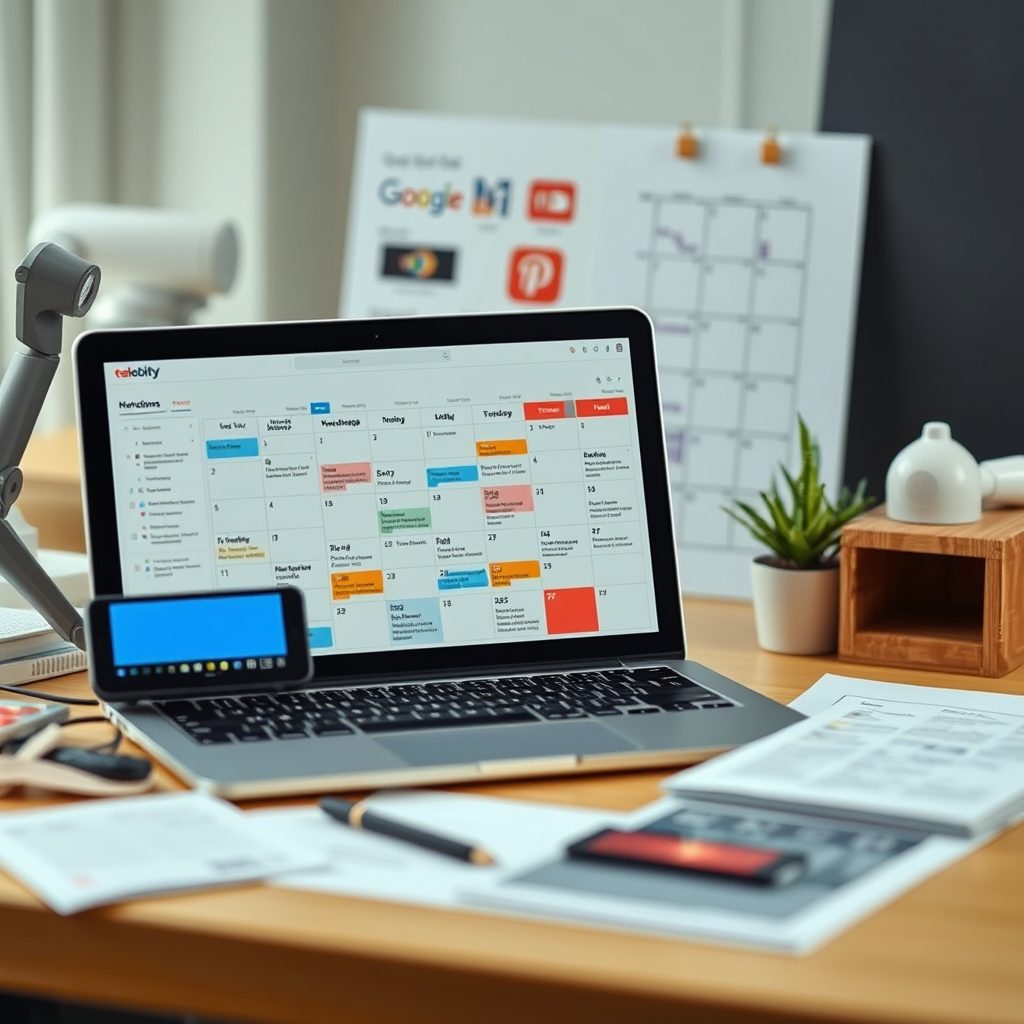
Run the prompt. You’ll get a raw table. Export it to CSV or copy into your planning sheet. Don’t schedule yet.
Reviewing, Editing, and Keeping Your Voice
This is where the job stays yours. Read every caption. Fix anything that sounds generic. Swap in a real customer quote. Add a specific product detail the AI wouldn’t know. Cut the fluff. If the AI wrote “Our amazing product will revolutionize your workflow,” change it to “Cut your prep time in half with the new batch-uploader. Here’s how.”
Check hashtags. AI often suggests high-volume tags that bury you. Replace half with niche tags your actual audience follows. Verify dates against your promo calendar. Make sure you’re not posting a “happy Friday” caption on a Tuesday because the AI lost track of the week.
Connecting to a Scheduler
Once the sheet is clean, import it into your scheduling platform. Buffer, Hootsuite, and Later all accept CSV uploads or have native integrations with some AI tools. Map columns: date, time, text, image URL, platform. Set your default posting times based on when your insights show peak engagement.
If your AI tool has a direct integration (Jasper connects to Buffer via Zapier; Copy.ai has a Buffer add-on), you can push approved posts straight to the queue without the CSV step. Test the flow with a single week before committing the whole month.
Two Things You Can Do Today
- Create that one-page brand brief. Even if you don’t open an AI tool yet, the brief sharpens your own writing and gives any future contractor or intern a north star.
- Sign up for a free trial of Jasper or Copy.ai. Generate a 7-day calendar for one platform using your brief. Edit it. Schedule it. See how long it actually takes. That’s your baseline.
Small brands win on consistency and specificity. AI gets you to consistency faster. Specificity stays your job. Use the time you save to reply to every comment, DM your top followers, and watch what they actually ask for. That’s the next calendar’s brief writing itself.
Ready to try it? Pick one AI tool, feed it your brand basics, and generate a week of posts this afternoon.




Discussion