

Freelancers and web designers know the cycle all too well: one month you are swamped with projects, and the next you are staring at an empty inbox wondering how to pay the bills. If you are ready to break free from this feast or famine reality, learning how to start a WordPress maintenance business is a highly practical strategy. Instead of constantly chasing new builds, you can generate reliable recurring revenue for web designers by offering ongoing support to clients you already know and trust.
Websites are not static digital brochures; they are dynamic systems that need regular updates, security monitoring, and optimizations to stay secure. When you position yourself as the long term guardian of their digital presence, you shift from a one off service provider to an indispensable partner in their business growth.
Key Steps to Start a WordPress Maintenance Business
Many designers hand off a finished website, offer a quick tutorial, and move on to the next project. Months later, the client calls in a panic because a plugin update broke their checkout page or their site was hacked. At that point, you are stuck troubleshooting a compromised site under pressure, often debating whether to charge for the emergency fix.
This is precisely why building recurring retainers web design projects offer is so valuable. By designing structured care plans, you set clear expectations from day one. Your clients gain peace of mind knowing a professional is monitoring their site, while you earn predictable income for your expertise.
How to Structure Your Website Maintenance Package Pricing
Your care plans should be simple, transparent, and easy for clients to understand. A three tiered pricing model works well because it guides clients toward the middle option without overwhelming them with choices.
Here is a practical way to structure your website maintenance package pricing:
| Care Plan Tier | What is Included | Best For | Target Price (USD) |
|---|---|---|---|
| Core Security | Weekly plugin and theme updates; daily automated backups; basic uptime monitoring; monthly performance reports | Local service businesses, portfolio sites, static blogs | $49 to $99 per month |
| Growth Care | Daily updates; cloud backups; speed optimization; 1 hour of small content edits per month | Active businesses, lead generation sites, professional blogs | $149 to $249 per month |
| Ecommerce Pro | Real-time backups; staging site testing before updates; cart monitoring; 3 hours of dedicated support per month | Online stores, membership platforms, high traffic portals | $399 to $599+ per month |
When setting your rates, consider your operational costs including software licenses, cloud storage for backups, and the actual time you spend reviewing each site monthly. If you operate in markets with fluctuating local currencies, pricing in a stable currency like USD can help protect your margins.
How to Sell Website Care Plans Without Hard Selling
You do not need to be an aggressive salesperson to land your first few maintenance clients. In fact, aggressive pitches often feel unnatural and backfire. Focus instead on the real risks of leaving a WordPress site unmanaged.
When you deliver a new website to a client, initiate an honest conversation. Ask them what plan they have in place if their website suddenly goes down during a high traffic promotion. Explain that WordPress core files, themes, and plugins update constantly. Left unmanaged, these updates can introduce security gaps or conflict with other elements on the site.
Position your care plan as a proactive digital insurance policy. Emphasize that a small, predictable monthly fee is far more cost effective than paying emergency developer rates to recover a compromised database or restore a broken checkout page.
Essential Tools to Start a WordPress Maintenance Business
Managing dozens of websites by logging into each one individually is a fast track to burnout. To make this model scalable and profitable, you need centralized automation.
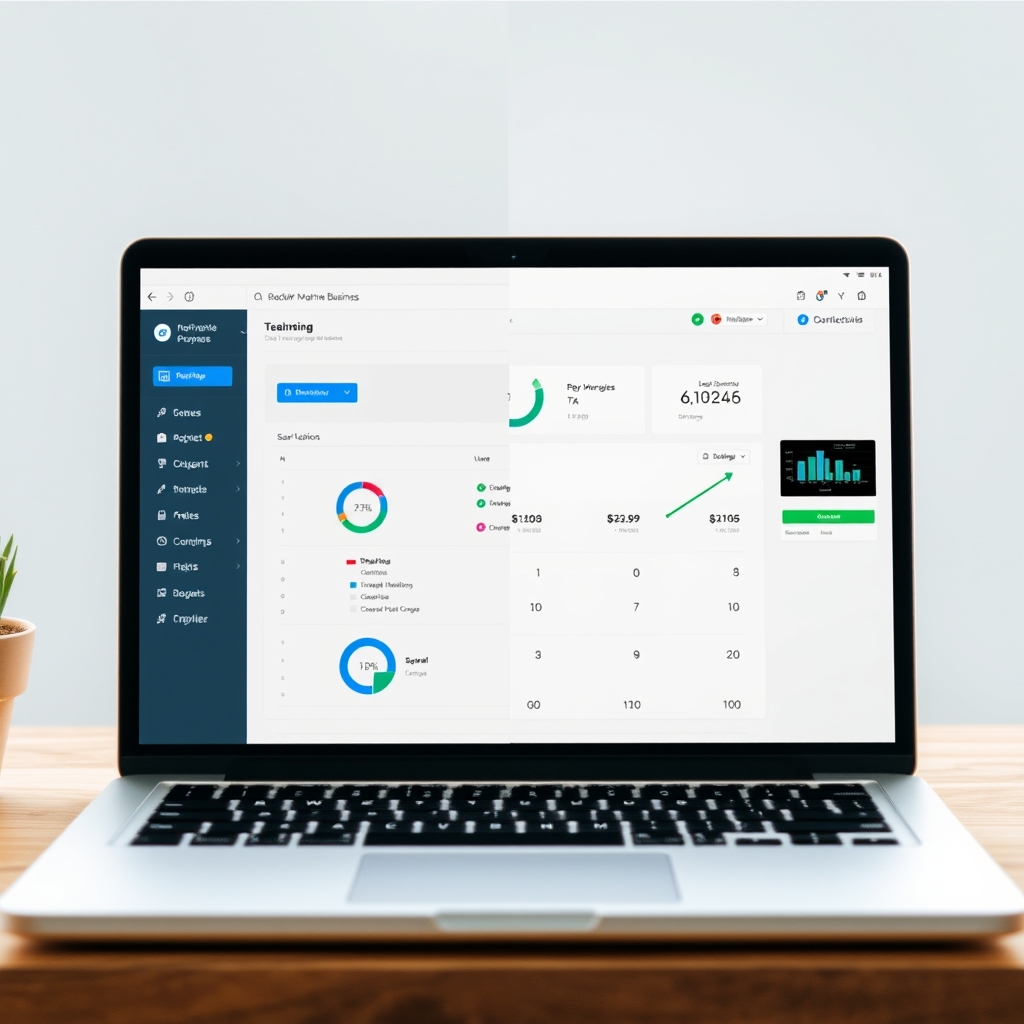
Using specialized wordpress management tools for agencies, such as ManageWP, MainWP, or WP Umbrella, allows you to run updates, schedule backups, and perform security scans across multiple sites from a single dashboard. This turns hours of manual work into a few clicks.
If a client requires a complex server migration or a deep database repair that goes beyond your current skillset, you do not have to turn them away. Partnering with a reliable white label website support provider lets you delegate technical issues behind the scenes under your own brand, keeping you as the client’s single trusted point of contact.
Protect Your Time with Clear Onboarding and Contracts
Before accepting your first payment, establish clear boundaries to prevent scope creep. This occurs when a client on a basic care plan assumes you will build new landing pages or redesign sections of their site for free.
To prevent this, ensure every client signs a formal agreement. You do not need expensive custom legal drafts to begin, but using a solid, professional wordpress maintenance contract template is essential. Your contract must define exactly what is included in the monthly retainer, what constitutes billable out of scope work, typical response times, and billing schedules.
Following that, design a structured process for client onboarding for web developers. When onboarding a new client, gather their hosting details, domain registrar access, and administrative credentials securely using a dedicated password manager. Always run a comprehensive initial website audit before taking over management to document any pre-existing issues.
A Realistic Path to Recurring Income
Consider a simple scenario: you built five websites for local businesses over the past year. By transitioning those five clients onto a secure care tier of $99 per month, you secure $495 in predictable monthly income. While this is a modest starting point, it covers your core software licenses, hosting costs, and administrative tools, creating a reliable foundation while you scale.
Building a Sustainable Maintenance Workflow
When you start a WordPress maintenance business, your primary value is not just about executing software updates; it is about providing ongoing security, uptime, and reassurance. Launching a recurring service model requires consistency, clear organization, and a professional approach to client communication. By establishing defined pricing tiers, leveraging modern automation platforms, and protecting your time with written agreements, you can transition away from unpredictable project cycles.
When you position your business as a proactive protector of your clients’ digital assets, you create a high value relationship that benefits both your agency and their bottom line. Taking these steps today allows you to cultivate a stable, recurring revenue stream that supports your long term business growth.
Frequently Asked Questions
What tools do I need to manage multiple WordPress sites efficiently?
Use a centralized dashboard tool like ManageWP, MainWP, or WP Umbrella. These platforms let you run updates, schedule backups, and monitor security across dozens of client websites from a single screen.
How do I handle clients who expect unlimited design changes on a maintenance plan?
Set clear boundaries in your contract and service descriptions. Specify included work (such as up to thirty minutes of small content edits per month) and state that larger requests will be billed at your standard hourly rate.
Should I include hosting in my maintenance plans?
Yes. Bundling high quality hosting with your maintenance plan increases your margins and gives you more control over the environment, making updates and security easier to manage.
Take the first step today: review your client list, set your pricing, and launch your first website care plan this week.









Discussion