

Migrate website to JukosoHost or Hostinger with confidence using this step-by-step guide. From backing up your site to updating DNS, we walk through every critical stage so you can move without downtime or data loss.
Migrating Your Website to JukosoHost or Hostinger
Before you move anything, the most important step is a full website backup before transfer. Whether you run a WordPress blog or a custom PHP application, a recent backup acts as your safety net. Most Nigerian hosting providers, including Hostinger and JukosoHost, offer control panels where you can download a zip of your files and a SQL dump of your database.
- Export your WordPress database via phpMyAdmin.
- Download all files using FTP or the File Manager.
- Store the backup on your local computer or a cloud drive.
Tip: If you are doing a WordPress site migration, consider using a plugin like Duplicator or All-in-One WP Migration. They can bundle files and database into a single package and even handle the import on the new host.
Hostinger Migration Steps
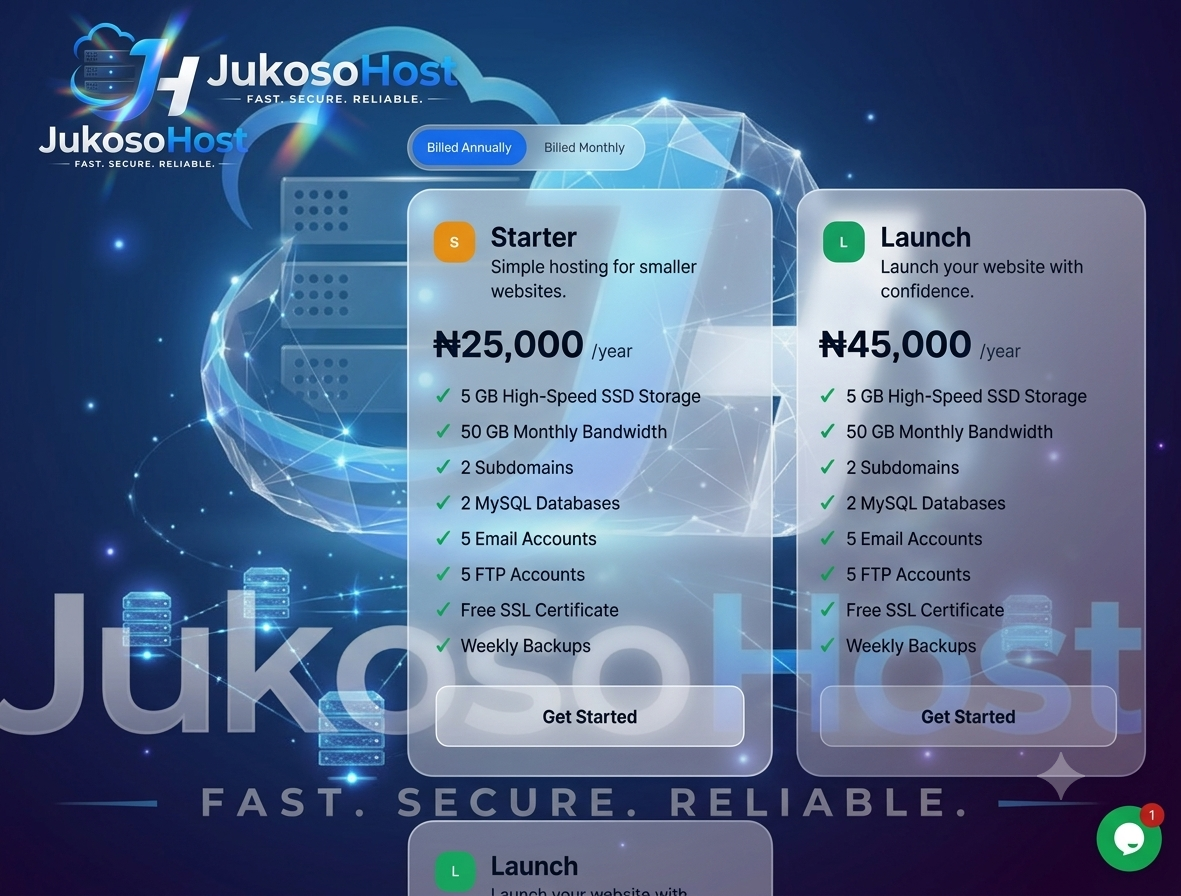
Hostinger Nigeria provides a free website migration service for new customers, which can simplify the move website to Hostinger process. If you prefer to do it yourself, here are the core steps:
- Sign up for a Hostinger plan that matches your traffic and storage needs.
- Open a support ticket or use the migration wizard in your hosting dashboard to request a free transfer.
- Provide your old hosting login details so their team can copy files and database.
- Once the migration is complete, test the site on the new server using the temporary URL.
Important: Do not change your DNS nameservers until you have verified that the site works perfectly on Hostinger’s servers. This prevents visitors from seeing a broken site during the transition.
Setting Up Your Site on JukosoHost
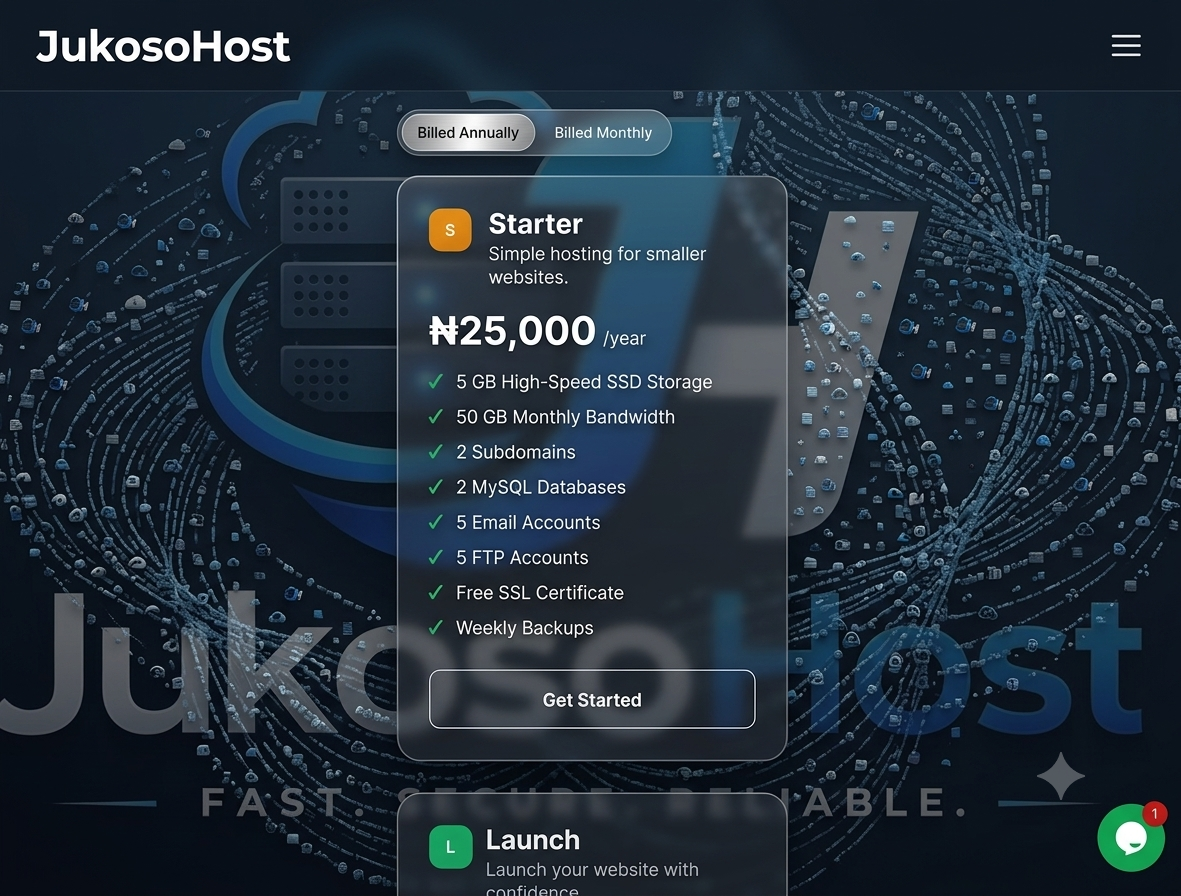
For those who choose to transfer website to JukusoHost, the process is similar. JukosoHost offers a website setup service that can move your site for free, or you can follow a manual route. The manual steps typically involve:
- Purchase a hosting plan and access your cPanel.
- Create a new database and user, then import the SQL dump from your backup.
- Upload your website files via FTP or File Manager.
- Update the database connection details in your configuration file (e.g., wp-config.php for WordPress).
Many Nigerian small businesses prefer JukosoHost because of its local payment options and naira pricing, which makes the free website migration Nigeria option even more attractive for budget-conscious owners.
Updating DNS After Migration
In practice, Migrate website to JukusoHost or Hostinger becomes clearer when you compare the options against the goal in front of you. After your site is running on the new host, the final step is to update DNS after migration. This points your domain name to the new server. You will need to change the nameservers in your domain registrar to those provided by your new host. For example, Hostinger uses ns1.hostinger.com and ns2.hostinger.com, while JukosoHost provides its own set. DNS propagation can take anywhere from a few minutes to 48 hours, though in Nigeria most ISPs refresh within 2 to 6 hours.
Warning: Keep your old hosting account active until the DNS changes fully propagate. This avoids a gap where visitors are sent to a server that no longer holds your site.
Common Mistakes to Avoid
- Skipping the backup because you think the migration is simple.
- Changing DNS before testing the new environment.
- Forgetting to update SSL certificates if your site uses HTTPS.
- Not informing your users about scheduled downtime, if any.
What to Do Next
Now that you have a clear roadmap, the next step is to choose your target host and start with the backup. Whether you go with Hostinger migration steps or JukusoHost website setup, following these instructions will help you complete the move without losing traffic or data. If you hit a snag, the support teams of both platforms are usually responsive via live chat or WhatsApp, which is the preferred channel for many Nigerian users.
Frequently Asked Questions
How long does it take to migrate a website to Hostinger or JukosoHost?
A manual migration can take 30 minutes to a few hours depending on site size. Using the hosts’ free migration services may take 24 to 48 hours, but most small sites complete within a day.
Can I migrate my WordPress site for free?
Yes, both Hostinger and JukosoHost offer free website migration for new customers. You can also do it yourself at no extra cost using plugins or manual file transfers.
What should I do if my site breaks after DNS change?
Clear your local DNS cache, wait a few minutes, then check the site again. If it is still down, temporarily revert the nameservers to the old host while you troubleshoot.
Before making a decision about Migrate website to JukosoHost or Hostinger, use these points to weigh the trade-offs in your own situation. Ready to start your migration? Take a backup today and follow the steps above, or drop your questions in the comments.







Discussion