25 Best Free AI Tools in 2026 That Can Save You Hours of Work
July 2, 2026
8 Best Free AI Tools for Photographers in 2026
July 3, 2026
25 Best Free AI Tools in 2026 That Can Save You Hours of Work
July 2, 2026
8 Best Free AI Tools for Photographers in 2026
July 3, 2026
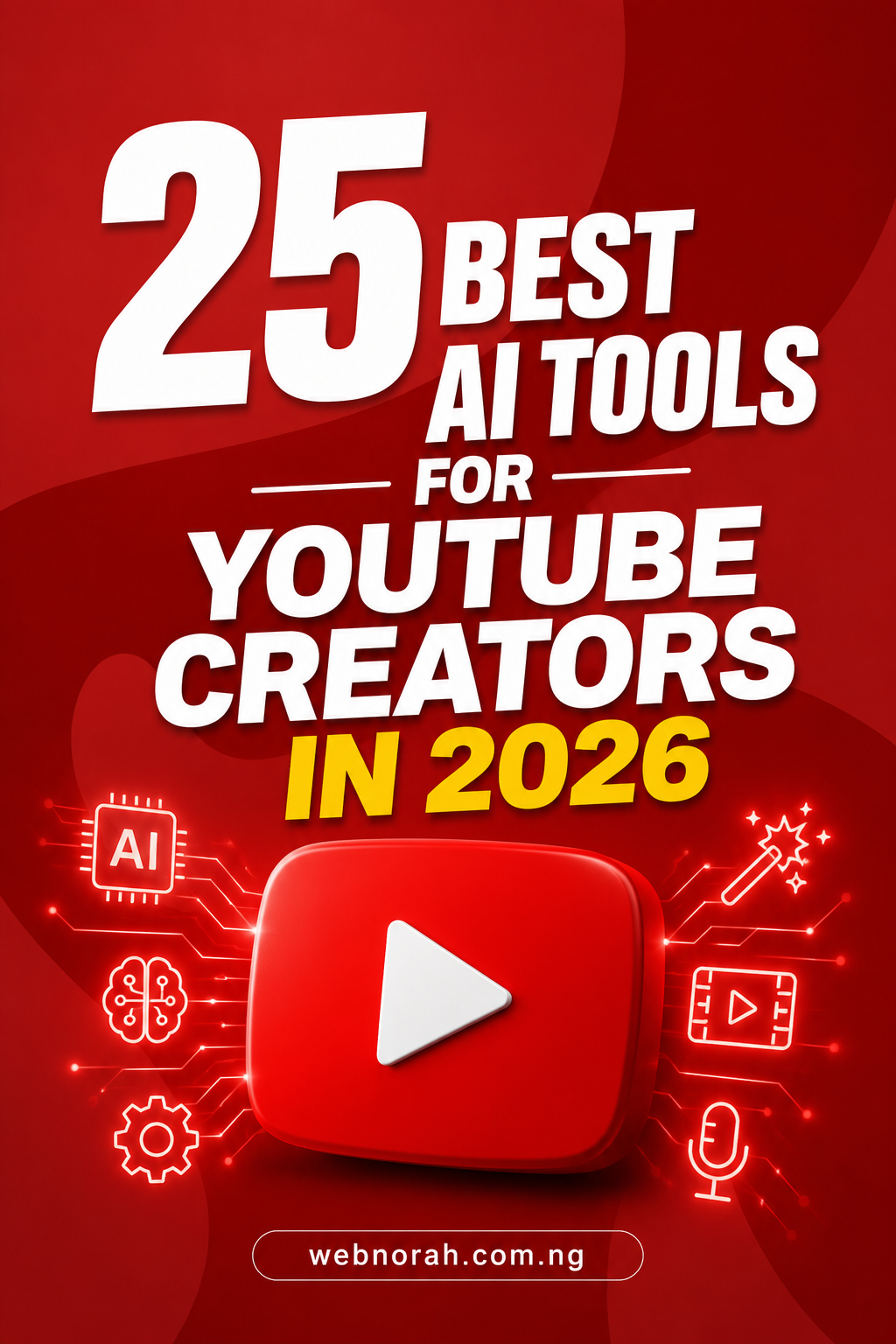
25 Best AI Tools for YouTube Creators in 2026 (Faceless Channels Included)

For the Nigerian creator recording videos in their room at midnight, wondering how everyone else has a full production team.

You have watched channel after channel blow up this year, cinematic footage, perfect captions, a voice that sounds like it came from a proper studio, and you know for a fact that person is not sitting in Lekki or Enugu with a production crew. They are one person with the right AI tools for YouTube creators doing the work of ten people. Meanwhile you are stuck editing on your phone at 1am, trying to remove background noise manually and wondering why your shorts never take off. If that is you, this post was written with you in mind.

I have spent the last year testing what actually works for faceless channels, talking head videos, shorts, and documentary style content. Most "best AI tools" lists online are still recommending the same five names from two years ago. That list is outdated. The real AI tools for YouTube creators in 2026 are sharper, faster, and in most cases still free to start with. Below are 25 of them, grouped by exactly what stage of production they solve for you.

25AI Tools for YouTube Creators
6Production Stages Covered
1Person Needed To Run It All

Why So Many Creators Are Stuck Without The Right Tools

The honest truth is that most creators are still working like it is 2022. They are manually cutting silence out of their videos, writing captions by hand, and recording voiceovers on a phone mic while a generator hums outside. It is not laziness, it is simply that nobody told them the newer AI tools for YouTube creators exist, or they assume tools like this cost money they do not have.

The other reason this problem exists is noise. Search for AI tools for YouTube creators and you get hundreds of recycled articles pushing the same outdated names because that is what ranks easily, not what actually works today. Faceless channel creators especially get left behind because most old lists were written before AI avatars and AI voice cloning became genuinely usable.

Common Mistakes Creators Make With AI Tools

  • Trying to do everything with one app. No single tool handles research, script, voice, video, and editing all at a professional level. Smart creators combine several AI tools for YouTube creators, each doing what it does best.
  • Skipping the research stage. Jumping straight to video generation without a proper script or research produces content that feels shallow and does not hold watch time.
  • Ignoring free plans out of assumption. Many creators assume every good AI tool is locked behind a paywall, when several of the tools below have genuinely usable free tiers.
  • Not repurposing long videos into shorts. This is where most channels leave real growth on the table, and it takes one tool to fix.

AI Video Generation

These are the core AI tools for YouTube creators building faceless channels, documentaries, or cinematic B roll without ever picking up a camera.

HeyGen

The king of AI avatar videos. Create talking presenters, multilingual versions of yourself, and translated content, all from a usable free plan.

Kling AI

One of the strongest text to video generators right now for realism and cinematic motion, with surprisingly generous free credits.

Runway ML

Still a top choice among AI tools for YouTube creators who want serious filmmaking control alongside video generation.

Luma Dream Machine

Excellent for cinematic B roll and establishing shots, especially for documentary and educational style channels.

Pika Labs

A favorite among creators building motion graphics and animated sequences for explainer style videos.

Vidu AI

A newer name gaining serious attention for keeping characters and scenes consistent across multiple shots.

Seedance AI

An emerging player worth watching for storytelling videos that need strong character consistency.

Wan 2.2

Open source and powerful for creators comfortable experimenting outside the usual paid platforms.

AI Talking Avatar Tools

If showing your face is not an option, or you simply want to scale content across languages, these AI tools for YouTube creators do the heavy lifting.

Synthesia

Built with a corporate polish, but still one of the strongest avatar systems available for explainer and training style content.

Creatify

Currently the darling of UGC style ad creators and shorts focused channels for quick, scroll stopping content.

Colossyan

A strong pick for educational channels and explainer videos that need a clean, professional avatar presenter.

AI Studios

Offers more manual control over avatar gestures than most competitors, useful for finer production detail.

Elai.io

Fast rendering speeds and surprisingly natural voice quality for creators on tight deadlines.

AI Editing Tools

Editing used to be the biggest time drain for creators. These AI tools for YouTube creators cut that time down dramatically.

Gling AI

Every YouTuber should know this one. It automatically removes silences, mistakes, and awkward pauses from raw footage.

Opus Clip

Probably the best tool available right now for turning one long video into multiple viral ready shorts.

Submagic

Creates viral style captions almost instantly, saving hours of manual caption work per video.

Captions AI

Handles AI captions and eye contact correction, a small detail that makes talking head videos feel far more polished.

Descript

Still one of the best editing experiences built for creators, since you literally edit your video by editing the text transcript.

AI Voice Tools

Voice quality can make or break a faceless channel, and these AI tools for YouTube creators solve that without a proper recording studio.

ElevenLabs

Still the gold standard for AI voiceovers, offering natural sounding narration for faceless and documentary style channels.

Cartesia AI

A newer name becoming popular for its ultra low latency and realistic voice output.

Minimax Audio

One of the most natural sounding voice tools released recently, worth testing against your current voiceover setup.

AI Research and Script Writing

The strongest AI tools for YouTube creators are useless without solid research behind the script. These fill that gap.

NotebookLM

The secret weapon of documentary creators and educational channels, turning source documents into organized talking points.

Perplexity AI

Probably the best research assistant currently available, with sources attached so your facts hold up under comments section scrutiny.

Gemini Deep Research

Excellent for preparing documentary scripts and investigative style videos that require deeper background digging.

Bonus Wildcard

MITO AI

Very few creators know this one yet. It is being built specifically for filmmakers, with AI storyboarding, project planning, and production workflow features baked in.

If I were starting a YouTube channel from zero today, here is the exact stack I would build with these AI tools for YouTube creators:

Research → Perplexity + NotebookLM

Script → ChatGPT

Voice → ElevenLabs

Video Generation → Kling + Runway + Luma

Avatar → HeyGen

Editing → Gling + Descript

Shorts → Opus Clip

Captions → Submagic

That combination alone can replace an entire small production team, and every tool in it has a free plan worth starting on before you spend a single naira.

Learning to build your own tools instead of just using them? I built WardControl.xyz, an election monitoring platform, on Replit's free tier. If you are technical enough to want more control over your creator workflow, it is worth exploring too.
Try Replit Free

Step By Step: How To Actually Build Your Workflow

  1. Pick your channel format first, faceless, talking head, or documentary, since that decides which avatar and video tools you actually need.
  2. Start with research and scripting before touching any video tool, a weak script kills even the best visuals.
  3. Choose one voice tool and one video generation tool, master them before adding a third.
  4. Add an editing and captioning tool last, once you have consistent raw footage coming in weekly.
  5. Repurpose every long video into shorts immediately using an AI clipping tool, do not skip this step.

Frequently Asked Questions About AI Tools for YouTube Creators

Do I need to pay before I can use these AI tools for YouTube creators?

No. Every tool listed here has a free plan or free credits you can start with. Paid upgrades only become necessary once your channel scales and you need higher volume output.

Which AI tools for YouTube creators work best for faceless channels?

HeyGen and Synthesia for avatars, ElevenLabs for voice, and Kling or Runway for video generation form the core faceless channel stack.

Can one person really run a YouTube channel using only AI tools?

Yes, and many are already doing it. The stack shared above replaces research, scripting, voice, video, editing, and shorts repurposing, tasks that used to require a full team.

Are AI generated videos allowed to be monetized on YouTube?

YouTube allows AI assisted content as long as it is not spammy, repetitive, or misleading, and creators are expected to disclose realistic AI generated media where required. Always confirm current platform policy before publishing.

Final Thoughts

The creators winning right now are not necessarily more talented than you, they are simply using the right AI tools for YouTube creators and combining them properly. You do not need a studio, a camera crew, or a big budget to compete in 2026. You need one clear workflow built from a handful of these tools, tested on real content instead of random demos.

Pick one category from this list that matches your biggest bottleneck this week, whether that is editing, voice, or video generation, and commit to it for your next three uploads before adding anything else. That is how a one person channel starts looking like it has a full production team behind it.

Written from experience, tested on real projects, built for Nigerian creators grinding solo.

I have spent the last year testing what actually works for faceless channels, talking about AI Tools for YouTube Creators. Head videos, shorts, and documentary style content. Most “best AI tools” lists online are still recommending the same five names from two years ago

Please follow and like us:

Leave a Reply

Your email address will not be published. Required fields are marked *

Subscribe

* indicates required

Lorem ipsum dolor sit amet, consectetur adipiscing elit. Ut elit tellus, luctus nec ullamcorper mattis, pulvinar dapibus leo.

Verified by MonsterInsights