

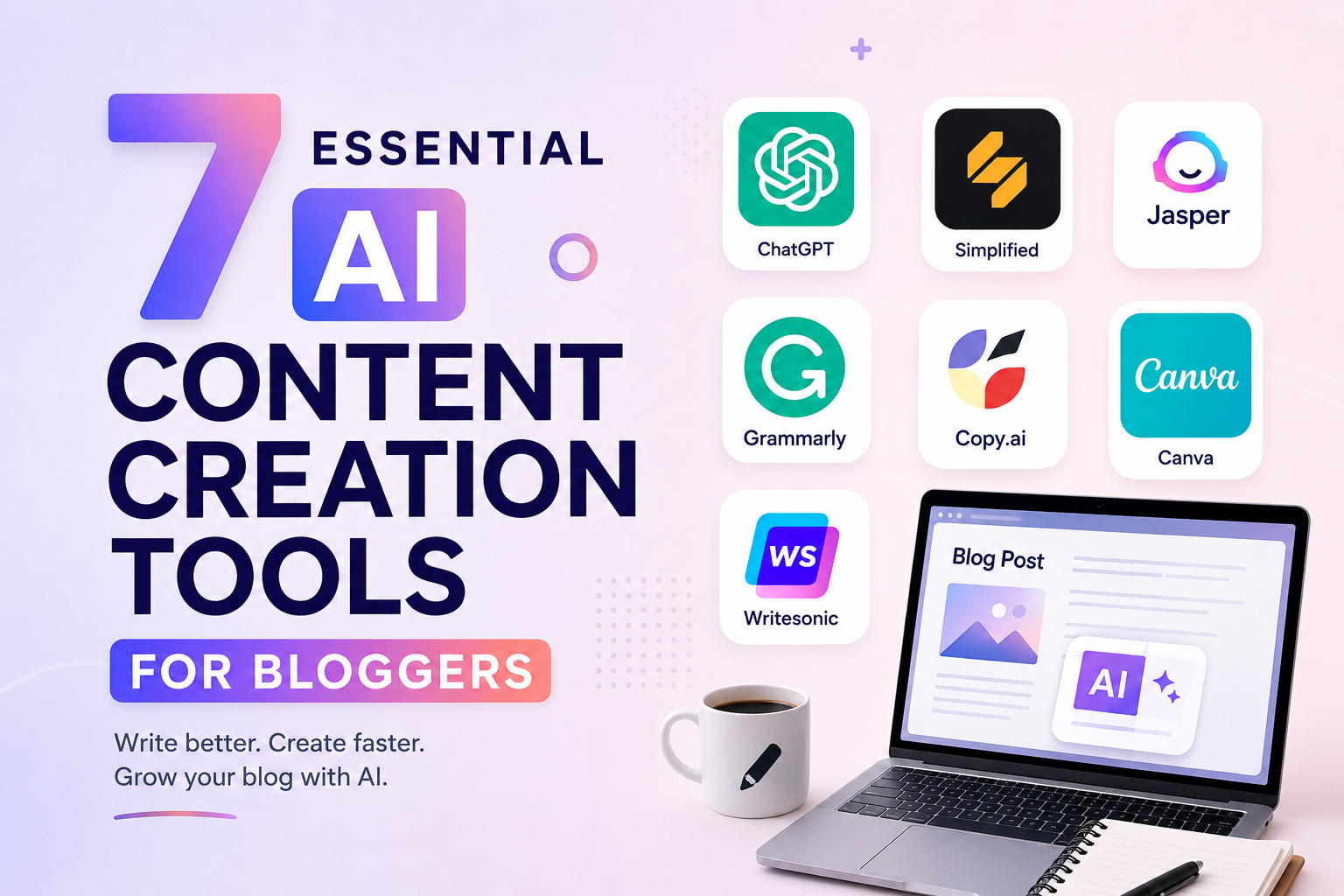
Ai Content creation tools for bloggers has been on my mind to-write for a while and I have been struggling with myself either to write it or not to write it.
We have all been there. You are staring at a blank, white screen with a blinking cursor that feels like it is mocking you. You know you need to publish a fresh blog post to keep your search rankings up. But you also have a gallery of client photos to edit, a video storyboard to draft, or dinner to cook for the kids. How are you supposed to find three hours to write a polished, high-ranking article?
Creating consistent content can feel like a full-time job on top of your actual work. This is exactly why savvy creatives, busy parents, and remote freelancers are shifting their approach. By integrating smart AI content creation tools for bloggers into your daily routine, you can transform blogging from a stressful chore into a highly streamlined, enjoyable process.
Let’s dive into how these tools can help you reclaim your time, find your creative spark, and produce content your audience actually wants to read.
Why Creatives are Embracing AI-Powered Content Generation
For a long time, there was a fear that artificial intelligence would replace human writers. But if you look at how successful bloggers actually work today, you will find they do not use AI to replace themselves. Instead, they use it as an ultra-efficient assistant.
Using AI-powered content generation is not about clicking “generate” and publishing whatever raw text pops out. It is about removing the friction points of blogging. Think of those tedious tasks: drafting initial outlines, formatting copy, generating dozens of catchy headlines, or transcribing video audio. AI excels at these repetitive tasks, leaving you with more energy to focus on your unique perspective, personal stories, and creative direction.
Consider Sarah, a family lifestyle photographer and stay-at-home mom based in Denver. She used to spend her kids’ naptime struggling with writer’s block, barely finishing one blog post a week. By adopting a simple AI workflow to outline her articles and brainstorm local photoshoot ideas, she now drafts three complete posts in the same amount of time. Her blog traffic has doubled, and she still has time to edit her clients’ galleries.
The Best AI Content Creation Software for Bloggers
With hundreds of new tools launching every month, it is easy to get overwhelmed by shiny object syndrome. You do not need twenty different subscriptions to run a successful blog. Instead, focus on a few highly reliable platforms that target different stages of the creation process.
To begin, here is a quick look at the top contenders making waves for bloggers and digital creators:
| Tool | Best Use Case | Ideal Creator Profile |
|---|---|---|
| ChatGPT | Ideation, outlining, and general drafting | Students, general bloggers, and job seekers |
| Jasper | Long-form blog writing and marketing copy | Professional bloggers and affiliate marketers |
| Descript | Audio/video transcription and script editing | Videographers, filmmakers, and podcasters |
| Canva Magic Studio | AI-assisted blog graphics and social assets | Visual creatives and social media managers |
1. ChatGPT: The Ultimate Brainstorming Companion
If you are struggling to decide what to write about, ChatGPT is your best starting point. Use it to generate 20 blog post ideas based on a single topic, create structured outlines, or rewrite passive sentences to sound more energetic. Because it is highly conversational, you can treat it like a creative sounding board.
Pro-tip: Avoid generic prompts like “write a blog post about photography.” Instead, try: “Act as a professional portrait photographer. Create an outline for a blog post titled ‘What to Wear for Your Fall Family Photos’ targeted at busy moms in Colorado.”
2. Jasper: The Professional Blogger’s Co-Writer
For those looking for the best AI content creation software tailored specifically for marketing, Jasper is a powerhouse. It features pre-built templates for standard blogging frameworks, SEO meta descriptions, and compelling introductory paragraphs. Jasper’s “Boss Mode” allows you to write long-form articles in a cohesive, natural brand voice, making editing a breeze.
3. Descript: A Videographer’s Secret Weapon
Are you a filmmaker or YouTuber who wants to turn your videos into readable blog posts? Descript is a game-changer. It transcribes your audio automatically, allowing you to edit your video or podcast simply by editing the text. From there, you can copy the highly accurate transcription, paste it into your AI writing assistant, and quickly generate a blog post summarizing your video.
4. Canva: Smart Visual Assets in Seconds
A great blog post needs beautiful imagery to break up text. If you are not a professional graphic designer, Canva makes it incredibly easy. Their integrated AI features, like Magic Edit and Magic Design, allow you to generate custom blog banners, social graphics, and featured images simply by typing in a description of what you want.
Supercharging Your Reach with AI-Driven Content Optimization
Writing a great article is only half the battle. If nobody can find it on Google, your hard work won’t get the eyes it deserves. This is where AI-driven content optimization comes into play.
Historically, optimizing an article meant spending hours digging through spreadsheet data, analyzing competitors manually, and guessing which keywords to target. Today, AI optimization tools streamline this entire process. Software like Surfer SEO analyzes the top-performing articles for your target keyword in real-time. It then gives you a clear, actionable checklist: exactly how many words to write, which subheadings to include, and how many times to use specific terms to climb to page one.
By using these optimization tools while drafting your post, you ensure your content is search-engine-ready before you even hit “Publish.”
Your 60-Minute AI Blog Writing Workflow
Want to see how these pieces fit together in real life? Here is a practical, step-by-step workflow you can use to write and optimize a high-quality blog post in about an hour:
- Minutes 0-10 (Ideation & Outline): Ask ChatGPT or Jasper to generate five engaging headline options and a comprehensive article outline based on your topic.
- Minutes 10-30 (Drafting): Use your AI tool to expand each section of the outline. Work section by section, adding your own stories, tips, and professional opinions as you go.
- Minutes 30-45 (Optimization): Paste your draft into an optimization tool like Surfer SEO. Adjust headings and integrate missing key phrases to improve your content score.
- Minutes 45-60 (Polish & Visuals): Read through the draft out loud to ensure it sounds like you. Fix any repetitive phrasing, add links, use Canva to generate a featured image, and format it nicely in WordPress.
The Golden Rule: Keep Your Unique Voice
While AI content creation tools for bloggers are incredibly powerful, they lack one vital ingredient: your lived experience. AI has never held a camera, felt the chaos of raising kids, or faced the nerve-wracking anxiety of a job interview. Your readers visit your blog because they want to connect with you.
Always use AI to do the heavy lifting of drafting, organizing, and optimizing. But when it comes to the final polish, make sure your personality shines through. Add your personal anecdotes, share your occasional failures, and maintain your distinct style. That balance is the sweet spot of modern blogging.
Upgrade Your Blogging Strategy Today
If you have been putting your blog on the back burner because you simply do not have the time, it is time to work smarter. Pick just one tool from this list to try out this week. Start with something simple: let ChatGPT write your next outline, or use Canva to draft your Pinterest pins. You will quickly realize just how much time you can save when you have an AI assistant in your corner.
Frequently Asked Questions
Will using AI content creation tools hurt my Google rankings?
No. Google’s official guidelines state that they reward high-quality content that provides real value to users, regardless of how it was produced. The key is to ensure your final article is well-researched, helpful, and edited by a human rather than being a low-effort, copy-pasted AI output.
Which free AI writing tool is best for beginners?
ChatGPT is the most popular and versatile free option for beginners. It is fantastic for brainstorming, outlines, and initial drafts. For visual content, Canva’s free tier offers excellent basic AI design features.
How do I make AI content sound more human?
To humanize AI writing, read the text out loud and rewrite any stiff, robotic phrases. Add your personal stories, use local references, include humor, vary your sentence lengths, and make sure the tone matches your normal speaking voice.
Ready to save hours on your writing? Choose one AI tool today, try our 60-minute workflow, and see how easy content creation can be!







Discussion