

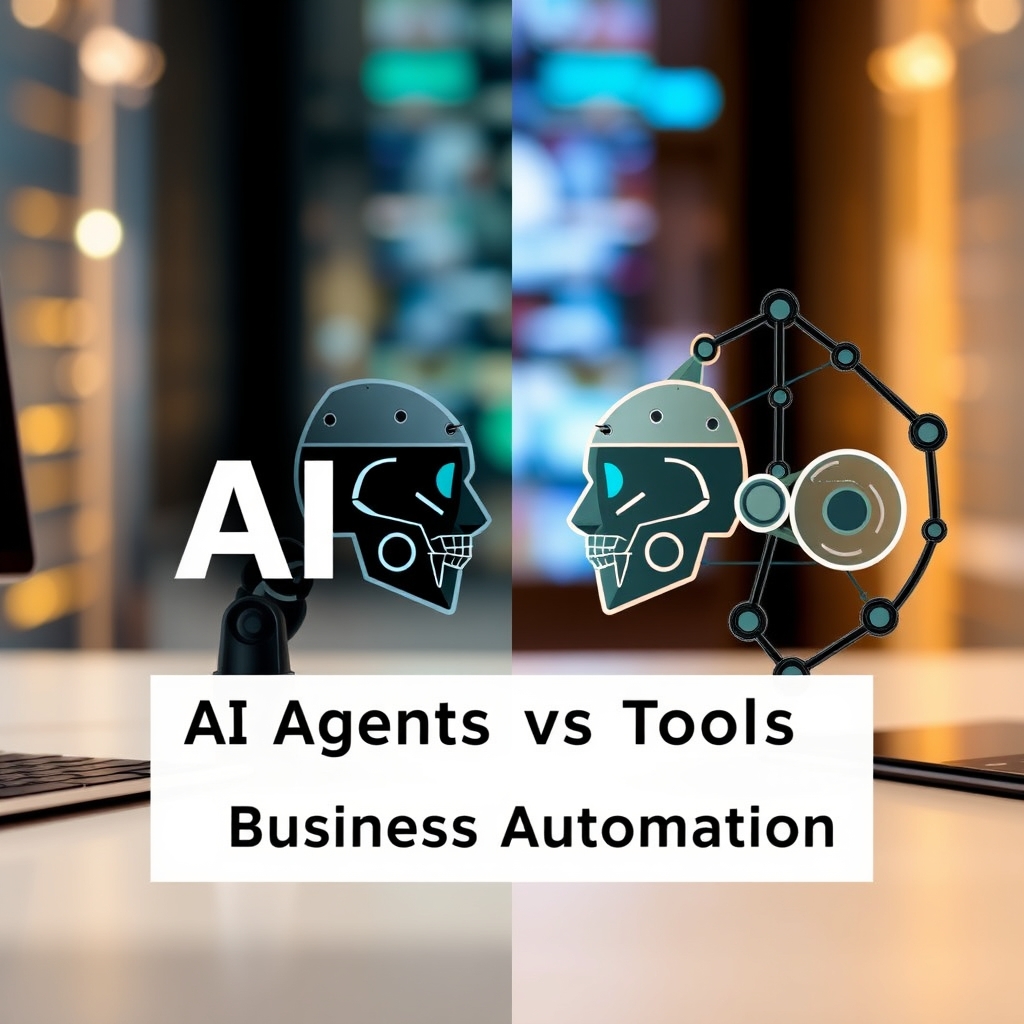
Why the AI agents vs tools for business automation debate matters for workflows
If you’re exploring automation for your business, you’ve likely encountered the debate around AI agents vs tools for business automation. While they may sound similar, these two approaches solve very different problems. AI tools act as specialized assistants that handle one task at a time, such as generating content, extracting data, or answering customer queries. AI agents, on the other hand, function like mini teams that can make decisions, chain multiple steps together, and adapt based on outcomes.
Choosing the wrong approach can lead to wasted time and resources, so it’s important to understand the distinctions before investing. Let’s break this down in plain language with real-world examples. By the end, you’ll know which solution aligns with your workflow, budget, and objectives without needing a technical background.
Core differences: AI tools vs AI agents for business
AI tools for business: specialists for single tasks
AI tools for business are designed to excel at one specific function. They don’t plan ahead or link actions together; instead, they respond to prompts or inputs with predictable outputs. Common examples include:
- Content generators: Tools that create blog posts, social media captions, or product descriptions from a prompt.
- Data extractors: AI that scans invoices, receipts, or forms to pull out names, dates, or prices.
- Chatbots: Customer service bots that answer FAQs or route queries to the right team.
- Image creators: Generative AI that turns text prompts into visuals for ads or social media.These tools are fast, affordable, and easy to implement, but they don’t handle complex workflows. For instance, a content generator can draft an article, but it won’t automatically publish it, add images, or check SEO unless you manually guide each step. Think of AI tools for business like a highly efficient assistant who types quickly but still needs clear instructions for every action.
AI agents for business: problem-solvers for multi-step workflows
AI agents for business operate more like autonomous teams. They can break processes into steps, make decisions, and even loop back if something goes wrong. For example, an agent might:
- Read a customer’s email, classify it, and route it to the appropriate department.
- Pull data from multiple sources, summarize it, and send a report to your inbox.
- Monitor a tender process, track deadlines, and alert you when documents are missing.Agents shine in repetitive, multi-step workflows where consistency and adaptability matter. They reduce errors by handling entire processes without manual handoffs, but they require more upfront effort to set up. Imagine an AI agent for business as a project manager who not only follows instructions but also spots problems, adjusts the plan, and keeps everything on track.
When to use AI tools for business automation
AI tools for business are ideal for quick, low-cost automation of routine tasks. Here are practical scenarios where they outperform agents:
Repetitive content tasks
If your team spends hours drafting blog posts, social media updates, or email newsletters, AI tools for business can generate drafts in minutes. For example, a small marketing team might use a content generator to create weekly newsletter drafts. The tool handles the writing, while a human reviews and polishes it before sending.
Tip: Start with a structured prompt that includes your brand voice, target audience, and key points. This keeps the output focused and reduces editing time. Try a prompt like: “Write a 300-word LinkedIn post about the benefits of AI in small business automation. Use a professional but approachable tone. Include one statistic and end with a question to encourage engagement.”
Data extraction and organization
AI tools for business can scan invoices, receipts, or customer forms to extract the data you need. For instance, a logistics company might use an AI extractor to process delivery confirmations and update their tracking system automatically, eliminating manual data entry.
Tip: Use tools with built-in validation to catch errors early. Even the best AI makes mistakes, so double-check critical fields like amounts or dates. Many tools let you set up rules, for example, “only accept amounts between 10 and 10,000”, to flag anomalies before they cause problems.
Customer support triage
AI chatbots can handle common questions like order status or return policies, freeing up your team to focus on complex issues. An e-commerce store might deploy a chatbot to answer FAQs about shipping times or payment methods, reducing response times and improving customer satisfaction.
Tip: Start with a narrow scope. Instead of trying to handle every possible question, begin with the top 10 most common queries. This keeps the bot accurate and manageable; you can expand later.
When to use AI agents for business automation
AI agents for business are worth the investment when your workflow involves multiple steps, dependencies, or decision points. Here’s where they excel:
Multi-step approval workflows
Consider a purchase order process: an employee submits a request, it goes to a manager for approval, then to finance for budget checks, and finally to procurement to place the order. An AI agent for business can automate this entire chain, sending reminders, tracking approvals, and flagging delays. This reduces bottlenecks and ensures nothing slips through the cracks.
Example: A growing manufacturing business in Lagos uses an AI agent for business to handle its procurement process. When a production manager submits a request for raw materials, the agent automatically routes it to the department head for approval. If the request exceeds the budget, it escalates to finance. Once approved, the agent places the order with the supplier and updates the inventory system, all without a single email.
Document-heavy processes
Tender management, contract reviews, and compliance checks often involve reviewing large documents and tracking deadlines. An AI agent for business can ingest a tender package, extract requirements, compare them to your capabilities, and even draft a response outline. For example, a construction firm could use an agent to monitor tender portals, alert them to relevant opportunities, and help prepare submissions.
Tip: Start by automating just one part of the process, like extracting key dates from tender documents, and expand from there. This makes the transition smoother and lets you test the agent’s accuracy before relying on it for critical tasks.
Dynamic monitoring and alerts
AI agents for business can watch for changes in data and trigger actions. For instance, a retail business might set up an agent to monitor inventory levels. When stock runs low, the agent automatically reorders products and updates the system without human intervention.
Example: A boutique clothing store in Nairobi uses an AI agent for business to track inventory across its three locations. When a popular item sells out at one store, the agent automatically transfers stock from another location and updates the online storefront in real time. This keeps shelves stocked and customers happy without manual checks.
Cost and complexity: AI agents vs tools for business
AI tools for business are generally cheaper and easier to implement. Many offer free tiers or pay-as-you-go pricing, making them accessible for small businesses. For example, a content generator might cost a few cents per 1,000 words, while an AI agent could require a monthly subscription or custom development.
AI agents for business demand more upfront effort. You’ll need to define workflows, set up integrations, and train the agent to handle exceptions. This can involve technical skills or hiring a developer, which adds to the cost.






Discussion