

Every freelance web designer knows the anxiety of handing over a beautiful, finished website only to realize their project pipeline has suddenly run dry. Relying entirely on one-off builds makes business planning nearly impossible. Introducing wordpress maintenance plans to your clients changes this dynamic, turning a series of single transactions into predictable, long-term partnerships that protect both your income and their digital investments.
Most small business owners have no desire to manage the technical upkeep of their websites. They are focused on running operations, serving customers, and driving sales. By positioning your post-launch support as an essential operational safeguard rather than a list of technical chores, you stop selling cheap hours and start selling peace of mind.
Why Small Businesses Pay for Ongoing Care
A website is not a static brochure; it is active software that requires regular attention. When a client neglects their site, plugins become outdated, security gaps appear, and the user experience degrades. If the site breaks or gets hacked, the business loses credibility and revenue.
When you are selling website care plans, skip the technical jargon. Owners rarely care about PHP updates, database optimization, or staging environments. Instead, talk about business continuity, protecting their brand reputation, and avoiding expensive emergency fix fees. Frame your maintenance plan as a digital insurance policy that keeps their storefront open, fast, and secure around the clock.
Structuring Your Service Deliverables
To deliver these services profitably, you must establish a clear scope. Without a defined wordpress maintenance services checklist, you risk scope creep, where clients expect custom development or complete design overhauls under the umbrella of routine maintenance.
A reliable, scalable maintenance package should focus on five core pillars:
- Security Monitoring: Automated malware scanning, firewall management, and immediate hack recovery.
- Off-site Backups: Daily or weekly backups stored in a secure cloud location, ensuring the site can be restored in minutes if a critical error occurs.
- Managed Updates: Testing and running plugin, theme, and WordPress core updates in a controlled manner to prevent software conflicts.
- Uptime Monitoring: Immediate alerts when a site goes down, allowing you to resolve hosting or configuration issues before the client or their customers notice.
- Content Support: A small, fixed monthly window (such as 30 or 60 minutes) for basic text edits, image swaps, or minor formatting adjustments.
WordPress Maintenance Package Pricing and Tiers
Establishing your wordpress maintenance package pricing requires a balance between simplicity for the client and profitability for your business. Offering three clear tiers helps clients select the level of support that fits their budget and business scale.
| Tier Name | Ideal Client | Core Deliverables | Monthly Value |
|---|---|---|---|
| Core Security | Local service providers, simple landing pages | Weekly backups, monthly updates, basic security monitoring, monthly reporting | $79, $149 |
| Professional Growth | Lead-generation sites, active business blogs | Daily backups, weekly updates, priority security support, 1 hour of content edits | $199, $299 |
| E-Commerce Pro | Online shops, membership portals, high-traffic sites | Real-time backups, daily updates tested on staging, priority helpdesk, 2 hours of content edits | $399, $599 |
If you want to scale your agency without spending all your time on technical support, you can partner with white label wordpress support providers. This allows you to offload daily ticketing and technical troubleshooting while retaining client relationships under your own brand.
The Art of Pitching a Support Retainer
In practice, wordpress maintenance plans becomes clearer when you compare the options against the goal in front of you. The secret to building reliable recurring revenue for web designers is presenting the maintenance plan at the beginning of the relationship, not at the end. When onboarding a new client, make it clear that launching the site is merely day one of its lifecycle.
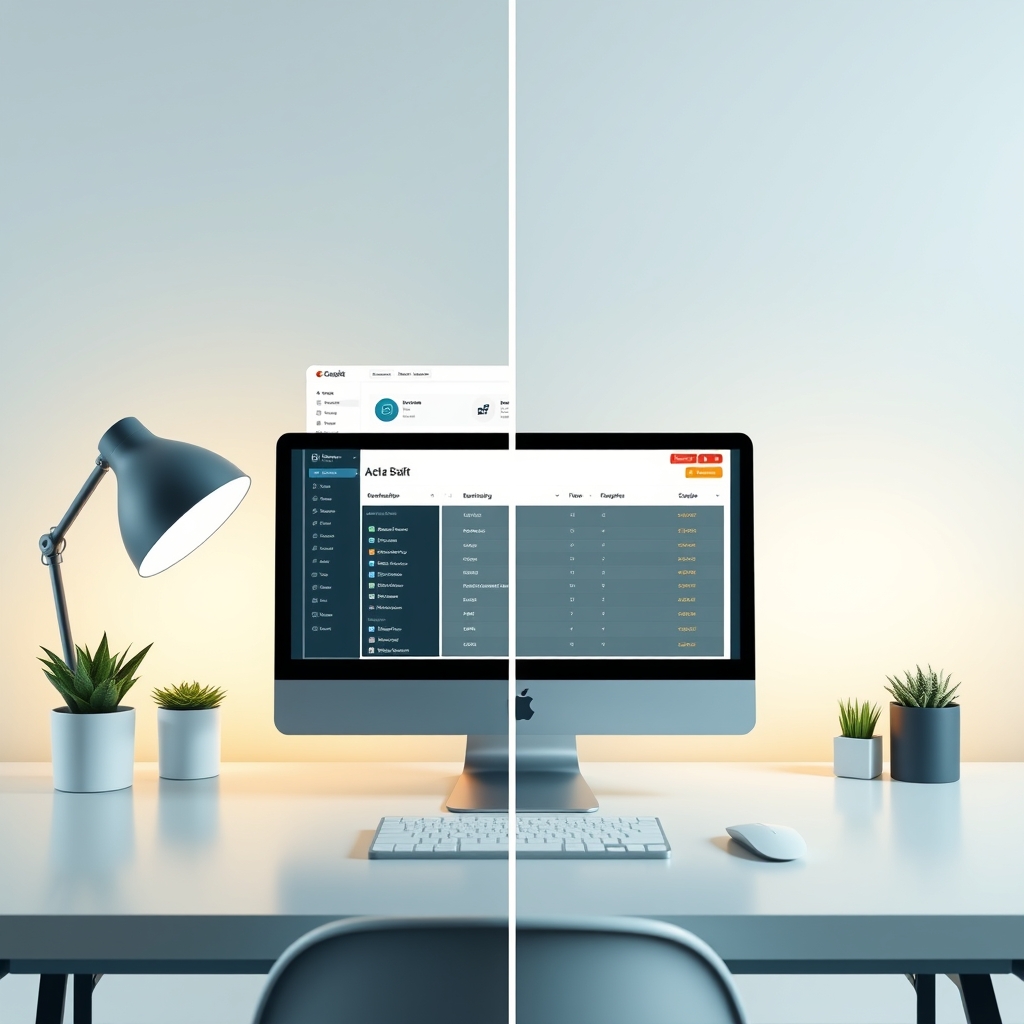
Consider a simple business scenario: A local medical clinic launches a website to accept booking requests. A month later, an automatic plugin update conflicts with their form builder, silently breaking the reservation system. Without a care plan, they may lose patient bookings for weeks before realizing there is a problem, forcing them to pay emergency developer rates to resolve it. With a care plan, the conflict is caught and resolved in a staging environment before it ever impacts the live site.
When presenting these options, always use a professional website maintenance proposal template. Your proposal should clearly outline what is included in the monthly fee and specify that out-of-scope work, like building new pages or adding complex features, will be billed at your standard hourly rate.
Optimizing and Automating Your Operations
You cannot build a profitable, recurring business model if you spend hours every week manually logging into individual client dashboards. Managing multiple sites efficiently requires centralization.
By utilizing centralized management dashboards, you can push updates, monitor security, and generate client reports across dozens of websites simultaneously. This operational efficiency is key to scaling your marketing website retainer services, allowing you to grow your monthly recurring revenue while keeping your hands-on work to just a few hours a week.
How to Secure Your First Maintenance Client
You do not need a massive marketing budget to start selling these plans. Begin with the immediate opportunities already in your reach:
- Reconnect with past clients: Reach out to clients whose sites you built over the past year. Offer a free website health audit, show them where updates have piled up or where security is lacking, and present your maintenance plans as the solution to secure their investment.
- Update your project proposals: Never send another web design proposal without including your maintenance plans as a standard line item for post-launch care. Make it clear that while they can manage the site themselves, choosing a care plan is the safest option for their business.
Frequently Asked Questions
What is the best way to handle clients who want to do maintenance themselves?
Explain that while they can technically click update buttons, they may not know how to restore a broken database, fix plugin conflicts, or patch security vulnerabilities if an update fails. Frame your retainer plan as peace of mind and professional insurance.
What tools can I use to manage multiple client websites?
Centralized management tools such as ManageWP, MainWP, and GoDaddy Pro allow you to monitor backups, security, and updates for dozens of WordPress client websites from a single, unified dashboard.
How do I handle requests that fall outside the maintenance plan scope?
Clearly outline your scope of work in your website maintenance proposal template. Let clients know that major feature additions, custom design work, or code rewrites will be estimated separately and billed at your standard hourly rate.
Before making a decision about wordpress maintenance plans, use these points to weigh the trade-offs in your own situation. Stop leaving money on the table. Audit your past project list this week, identify three clients with outdated sites, and pitch them a structured care plan to protect their investment.








Discussion